GBP Management
Get instant alerts and reminders for your Google Business Profile
Get an email within a minute of a new review or a change by Google, with the reply drafted, and reminders when a review or your profile needs you.
Updated November 1, 2026 · 4 min read
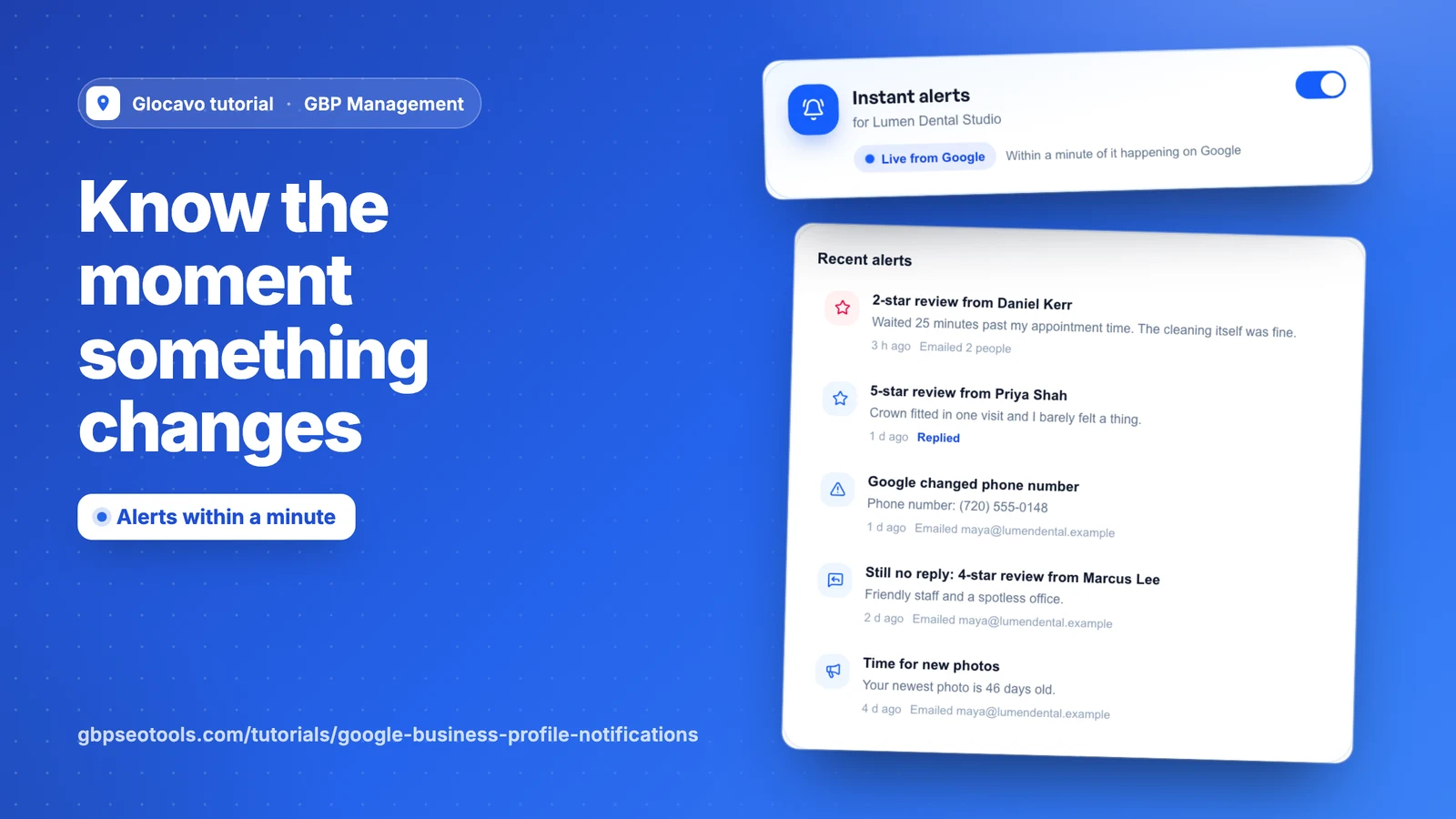
Glocavo can email you the moment something happens on your Google profile, with what to do about it. It can also remind you about things Google never mentions, like a review still waiting for a reply.
- Where
- GBP Management, open a business, Today, Notifications
- You need
- A connected business, see connect your Google Business Profile
- Cost
- Alerts are included. An AI drafted reply costs 10 AI Power per review.
Turn on instant alerts
Open a business, go to Today and click Notifications. Use the switch to turn alerts on for this business. Each business has its own settings.
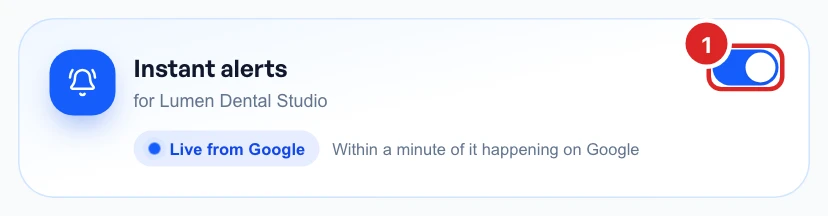
Live from Google means alerts are connected, and they arrive within a minute of the change on Google. Every switch here saves on its own.
Choose your review alerts
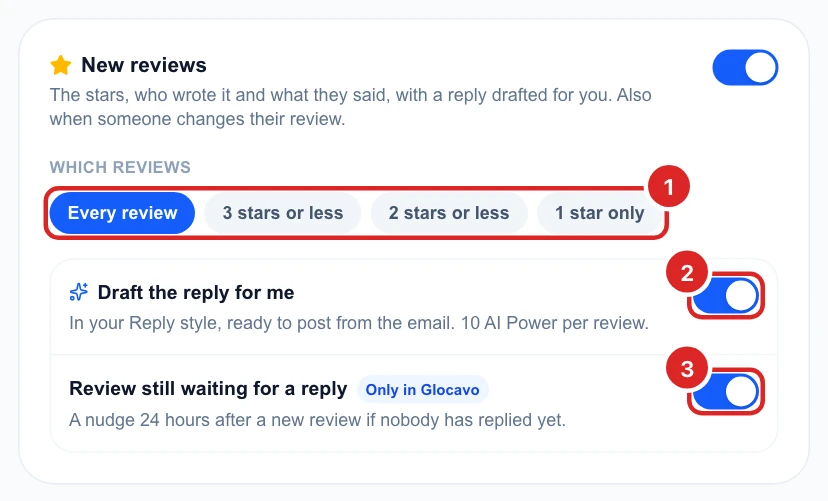
A review alert shows the stars, who wrote it and what they said. Choose every review, or only low ratings, then decide on two extras:
- Draft the reply for me: AI writes a reply in your reply style, ready to post from the email, for 10 AI Power per review.
- Review still waiting for a reply: a reminder email 24 hours after a new review if nobody has replied.
Choose your other alerts
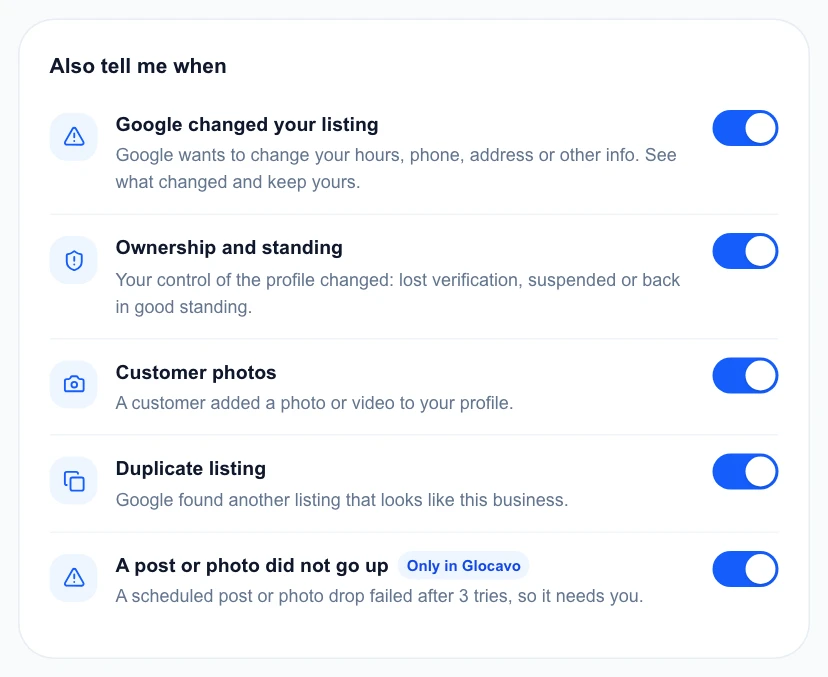
Also tell me when covers the rest. Switch off anything you don’t want:
- Google changed your listing: see what changed and keep yours.
- Ownership and standing: you lost verification, were suspended or are back in good standing.
- Customer photos: a customer added a photo or video.
- Duplicate listing: Google found a listing that looks like yours.
- A post or photo did not go up: a scheduled one failed after 3 tries.
Glocavo also reminds you after 30 days with no post or 45 days with no new photo, at most once a month. Holiday hours reminders show on your Today page, not by email.
Choose who gets them
Add up to 5 people, or click someone from your team to add them. Each review alert has a link that lets the person post the reply, so only add people you trust to answer for the business.
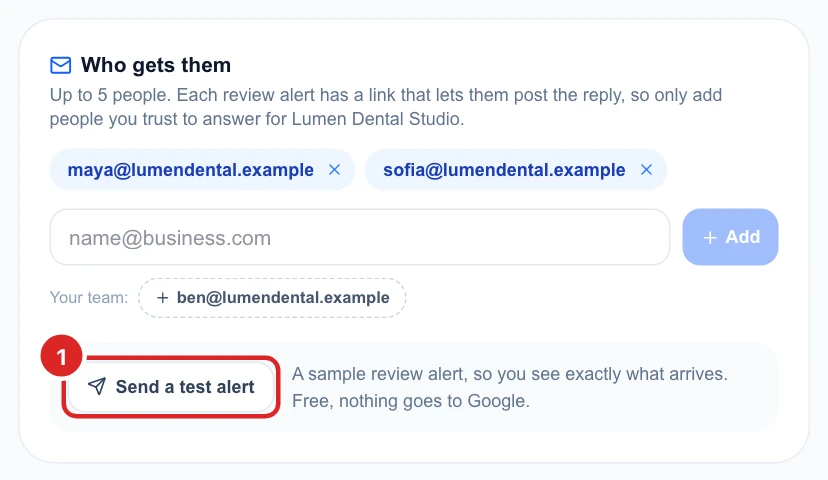
The test is a sample review alert, at no cost, and nothing goes to Google.
Check recent alerts
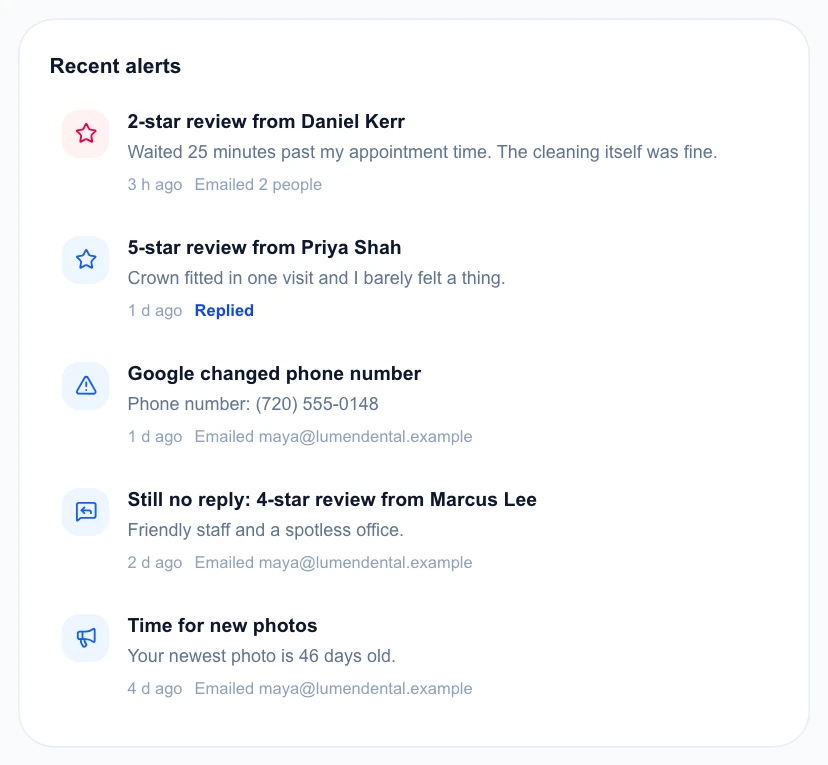
Recent alerts shows what was sent, who it went to and whether the review has been answered.
Stop getting the same email twice
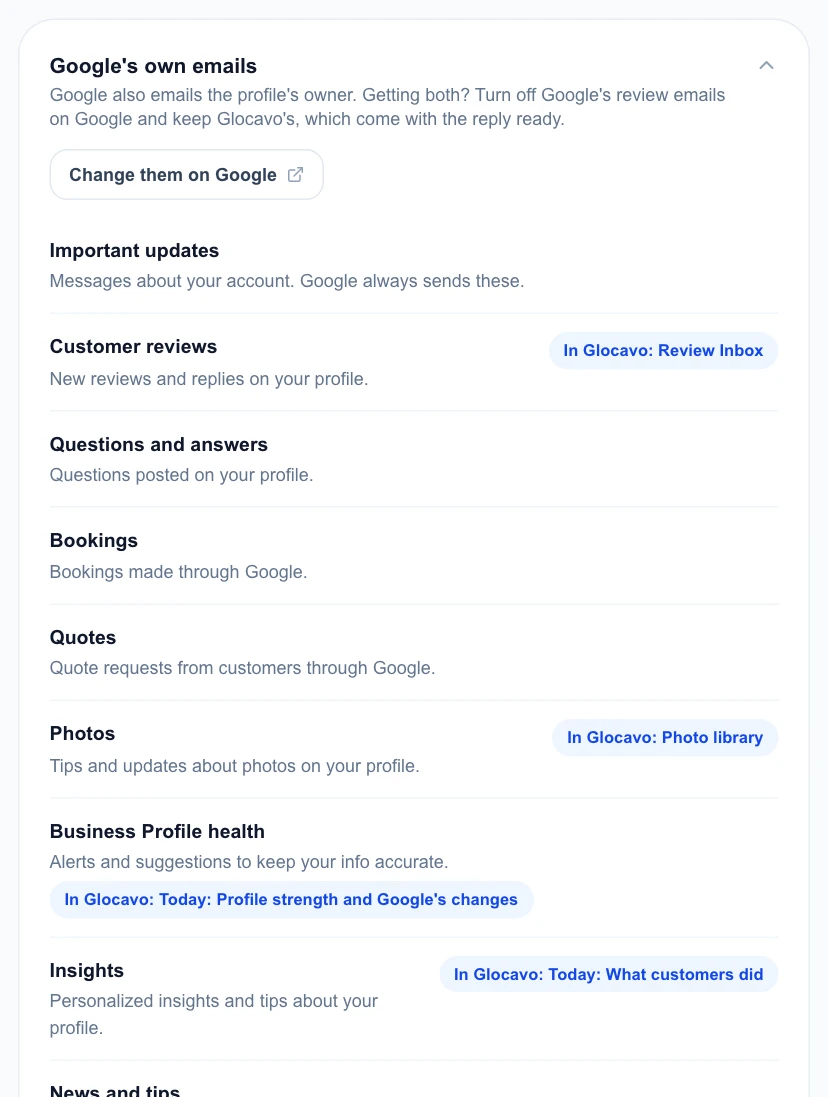
Google also emails the profile’s owner. If you’re getting both, open Google’s own emails and click Change them on Google. You can turn off Google’s review emails and keep Glocavo’s, which come with the reply ready.