GBP Management
Run a health check on your Google Business Profile
See your profile's score and what to fix first, then let AI write a new description, services, attributes and post topics for you to check and save.
Updated October 31, 2026 · 6 min read
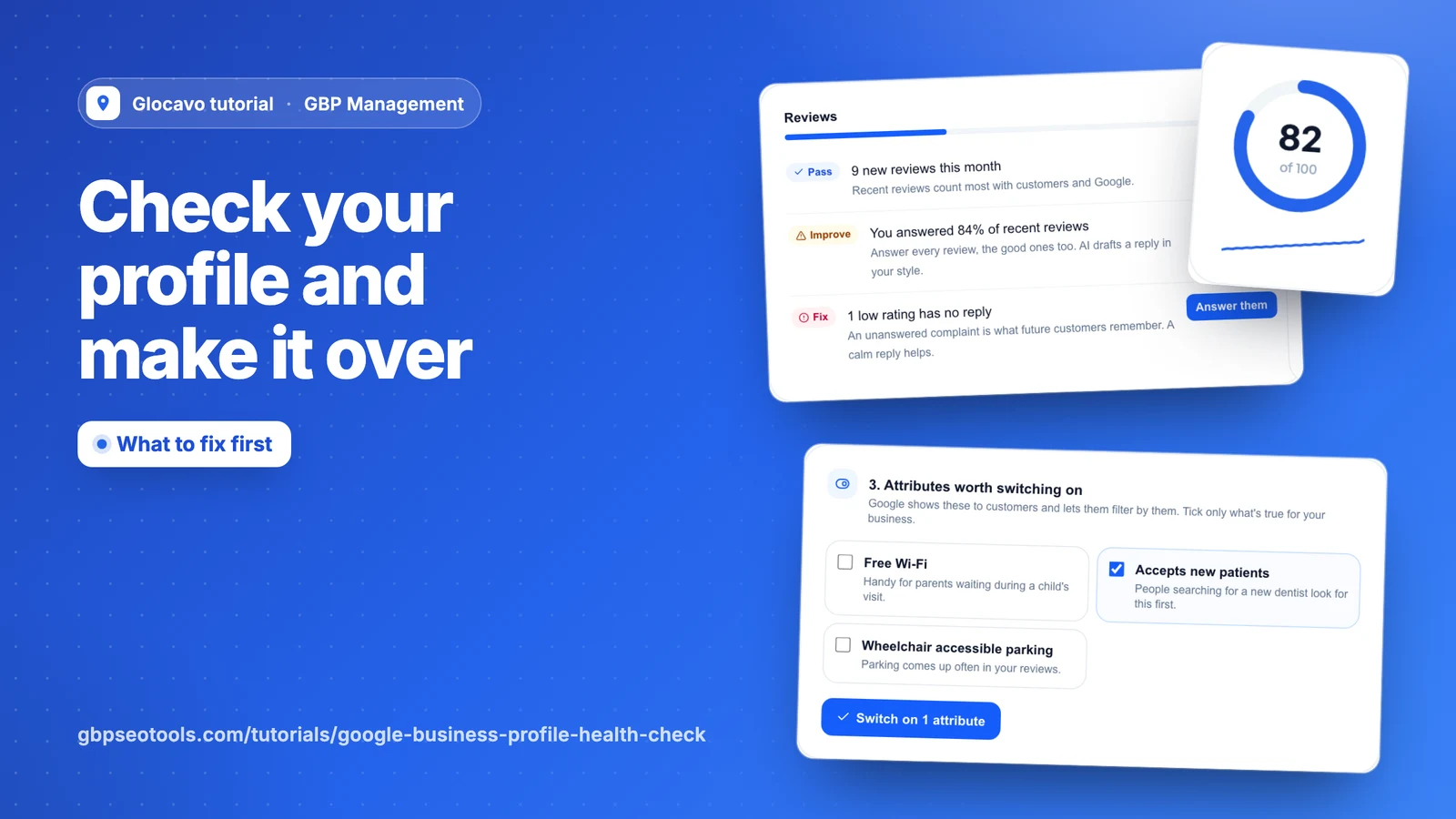
The Health check shows what’s holding your profile back and what to fix first. Profile makeover then has AI write a new description, services and post topics in one go, for you to check and save.
- Where
- GBP Management, open a business, Profile
- You need
- A connected business, see connect your Google Business Profile
- Cost
- The Health check is included. A makeover costs 25 AI Power.
See your score
Click Profile, then Health check. Your score out of 100 comes from checks against Google’s rules and what makes a profile strong. The line under the score shows the last 30 days, and the text beside it tells you how far the score has moved.
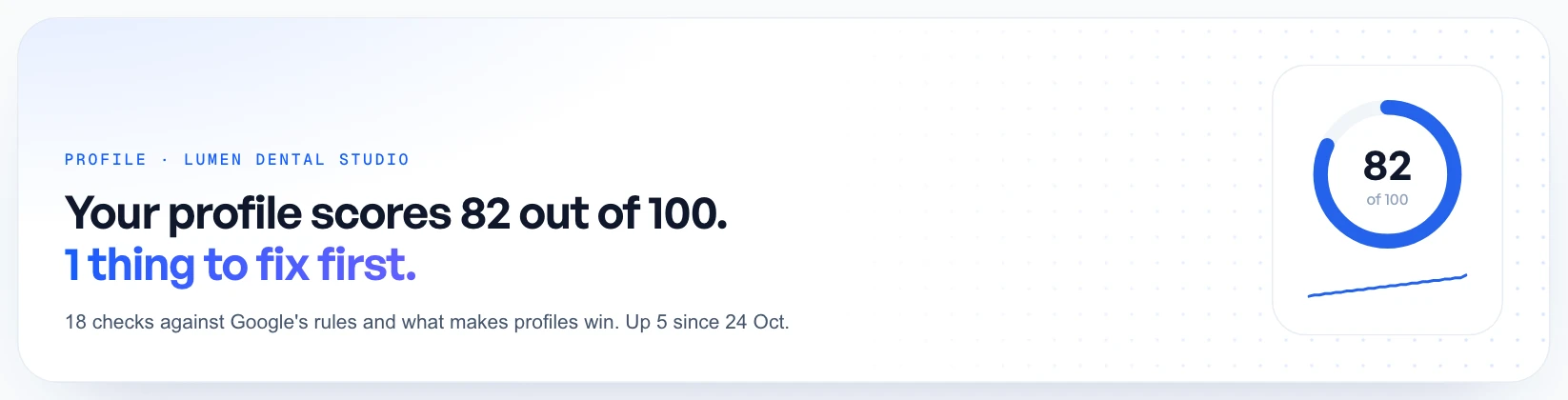
This is Glocavo’s own score, not Google’s Profile Strength meter, which Google doesn’t share. The two can differ. It also checks more than the shorter Profile strength score on your Today page, so the two numbers in Glocavo can differ too.
Start with what matters most
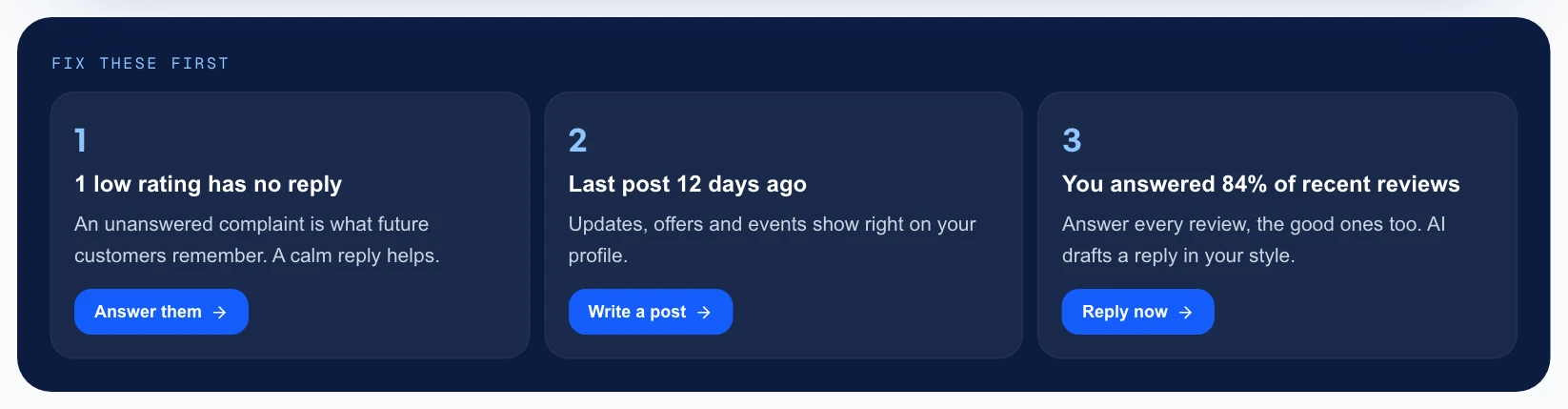
Fix these first picks the three checks most worth your time, starting with anything marked Fix. Each button takes you straight to the fix.
Go through every check
Further down, every check sits in a group, from your standing on Google to attributes. Each one has a result:
- Pass: it’s fine, and counts in full.
- Improve: it could be better, and counts for half.
- Fix: it’s missing or hurting you, and counts for nothing.
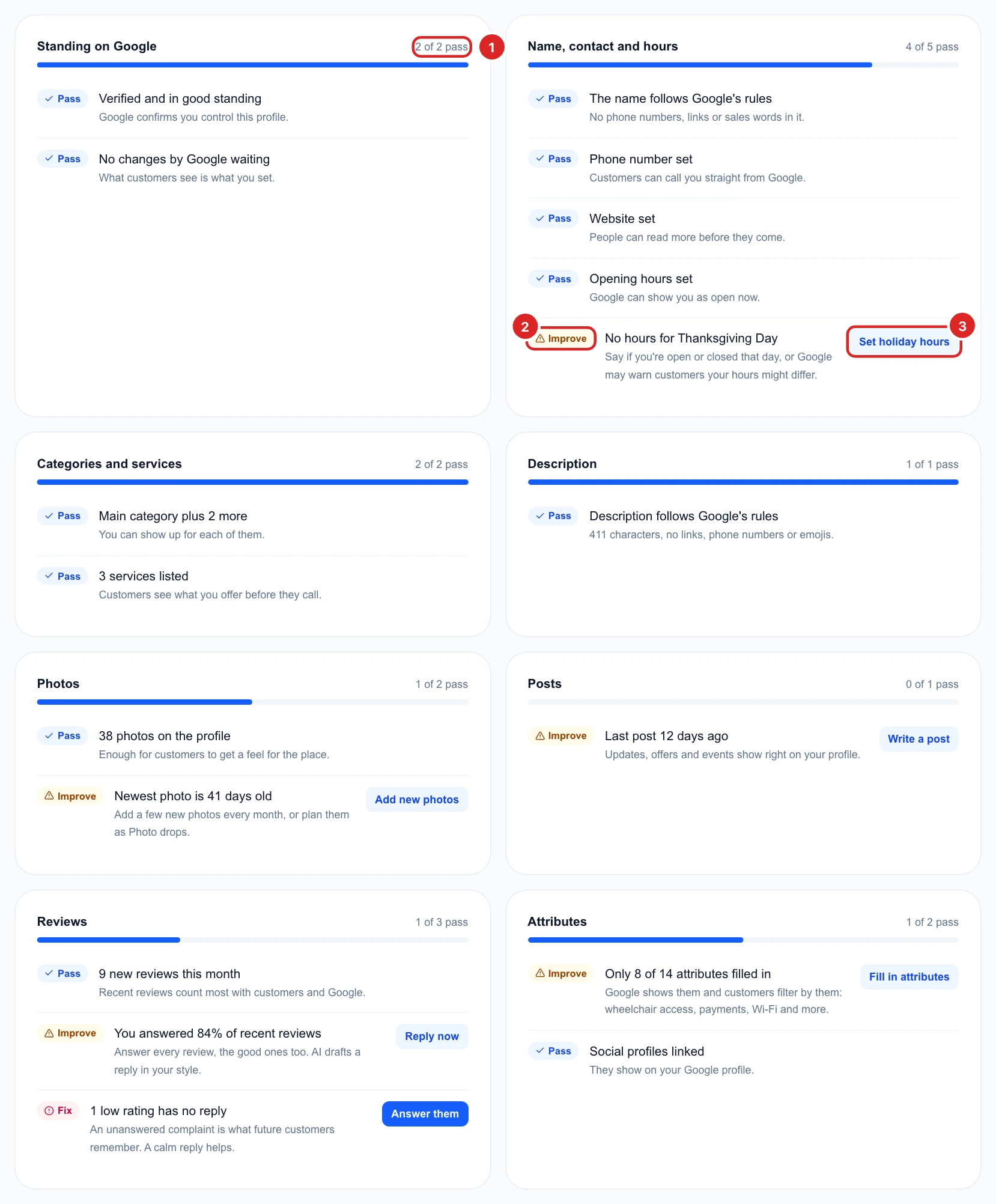
The checks that matter most weigh more in the score. Click a button to fix a check. Many open the editor right on this page, as covered in edit your profile, and the score updates once you save.
Make over your profile with AI
Click Profile makeover. AI reads your Google profile, the last year of happy reviews and what people searched last month. In the box, add anything it should know, like what makes you different or the areas you serve. Then click Make over my profile. It takes about half a minute.
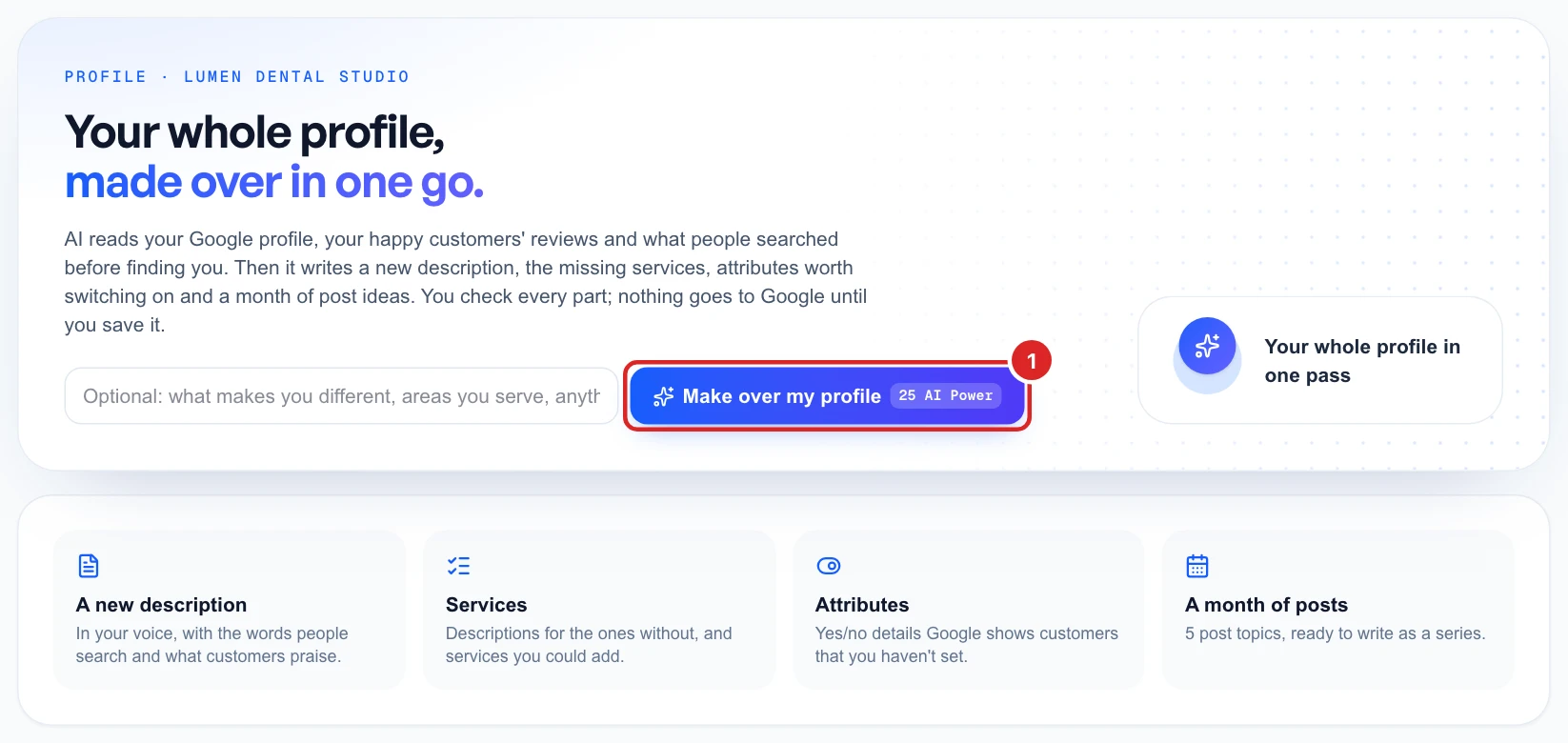
You pay the 25 AI Power only if it works. The result stays on this page for 90 days, and Make a new one writes a fresh makeover for another 25 AI Power.
Nothing goes to Google until you save it, and each part below saves on its own. AI works from your profile and reviews, so check that every detail is true first.
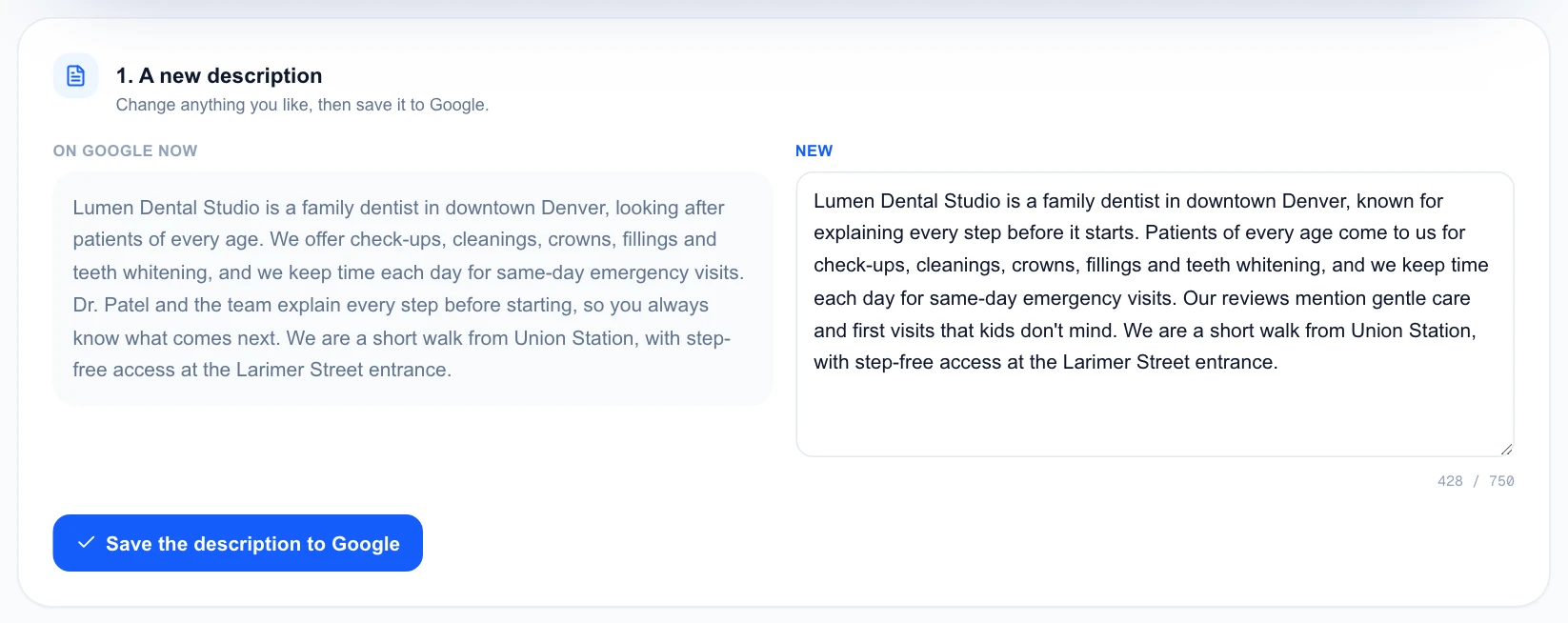
Check the new description
Your current description sits next to the new one. Change anything you like, then click Save the description to Google.
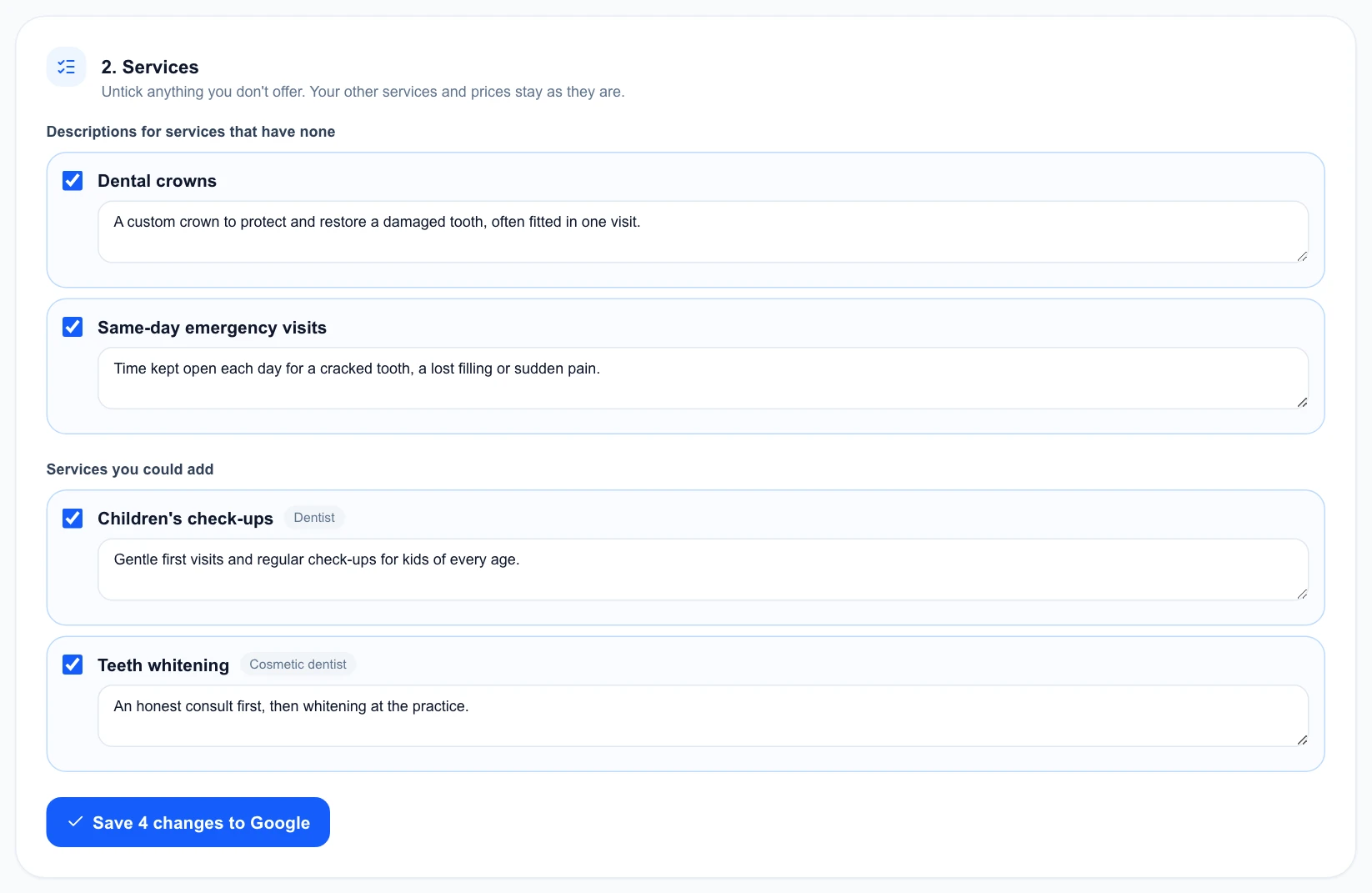
Check the services
You get descriptions for services that have none, and new services you could add. Untick anything you don’t offer, edit the text, then save. Your other services and prices stay as they are.
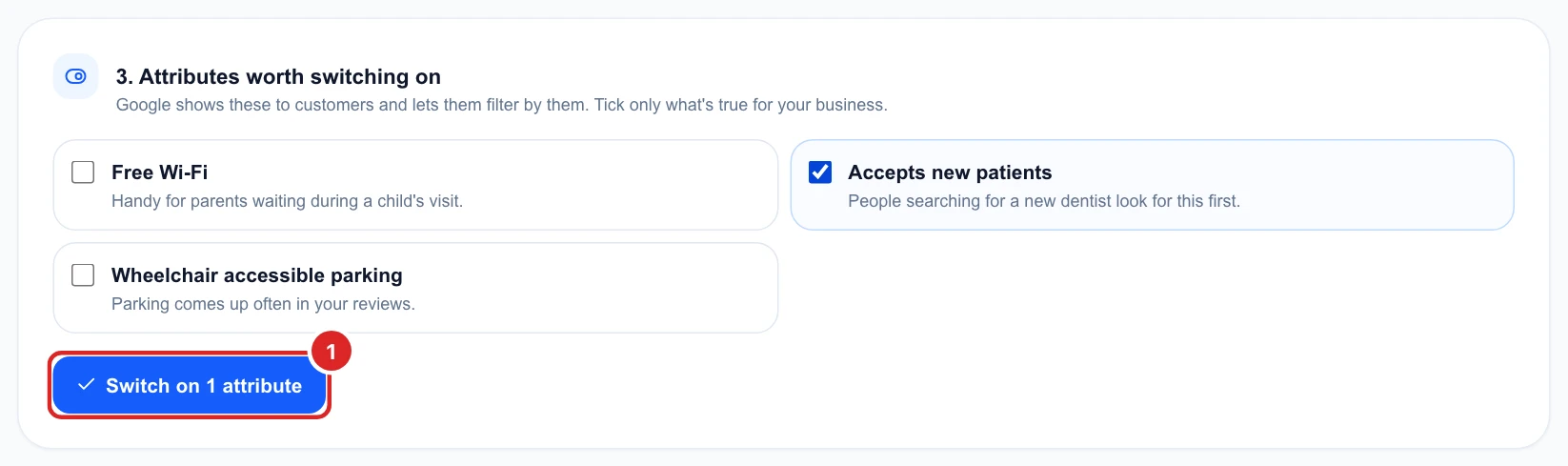
Tick the attributes that are true
These start unticked, because only you know which are true. Tick the ones that apply, then click Switch on.
Turn the topics into posts
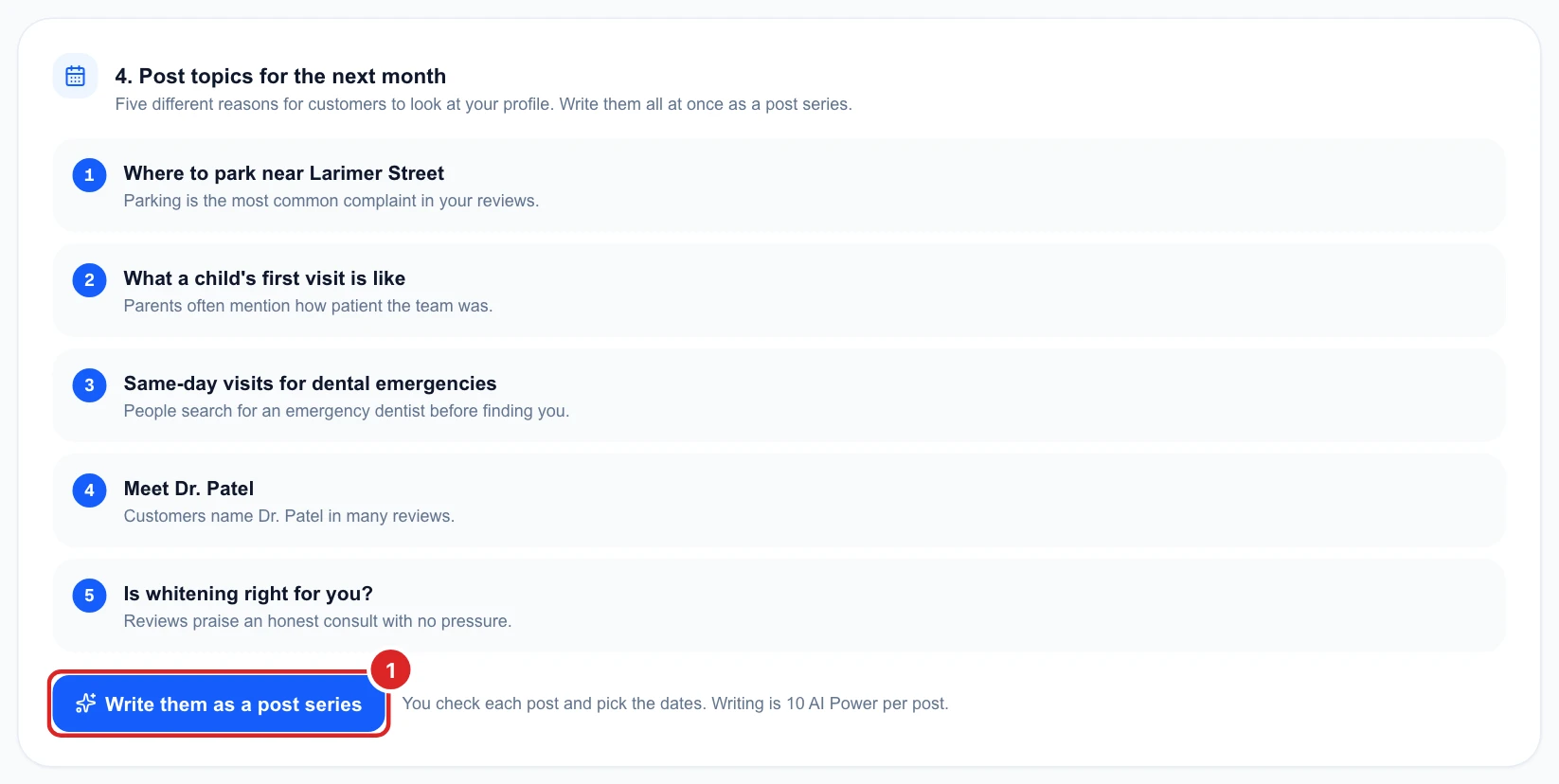
You get five post topics for the next month, each with the reason behind it. Click Write them as a post series to have AI write them for 10 AI Power per post. You check each post and pick its date, and they then wait under Posts.
When you’re done, go back to the Health check to see your score move.