
Google Business SEO: How to Optimize Your Profile for Ranking
Fill in every field on a Google Business Profile, upload a dozen photos, and it's easy to assume the Google Business SEO work is done. Most of it isn't. A profile can look complete and still lose the local pack to a competitor with a thinner-looking listing. Google weighs a small set of specific signals, not how finished a dashboard looks.
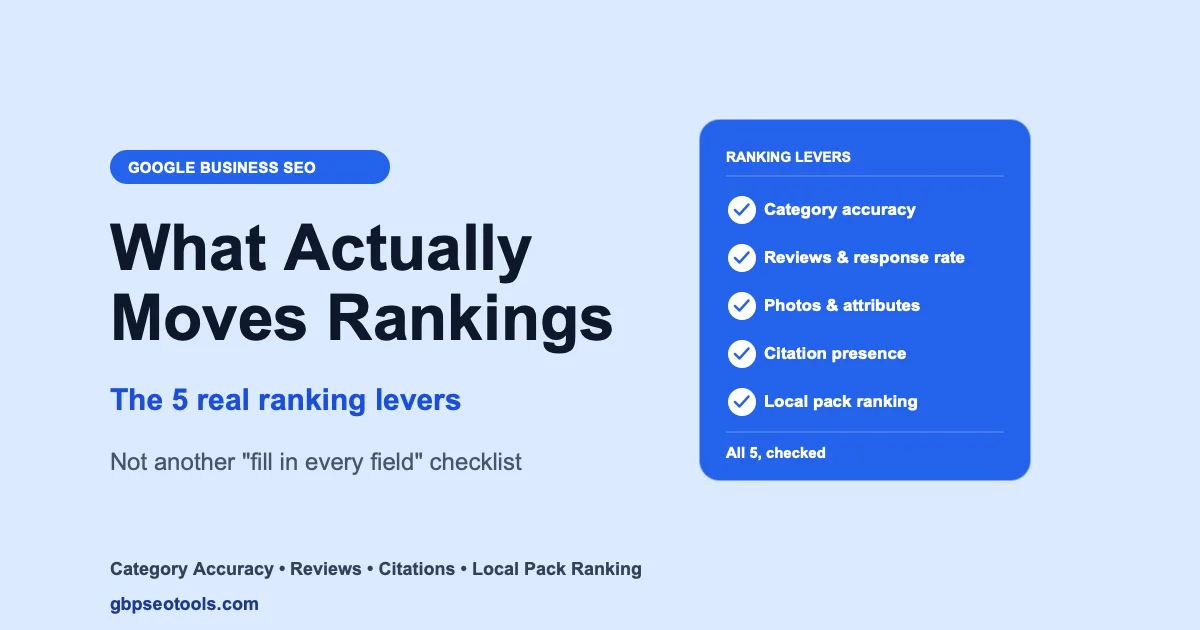
Google business SEO, also called Google My Business optimization or GMB SEO, comes down to a handful of levers. Category accuracy. Review patterns. Citation presence on other directories. And whether a listing actually ranks nearby, not just from the business's own address. This guide walks through each one: what to check, why Google weighs it, and how to confirm the fix actually landed instead of just hoping it did. For the full step-by-step version, including the 2026 changes to profile freshness and verification, see our Google Business Profile optimization guide.
Want the fast version? Run a Google Business Profile audit and get a full score on your own listing before reading further, then come back to see what each finding means and how to fix it.
Category Accuracy: The Highest-Impact Lever in Google Business SEO
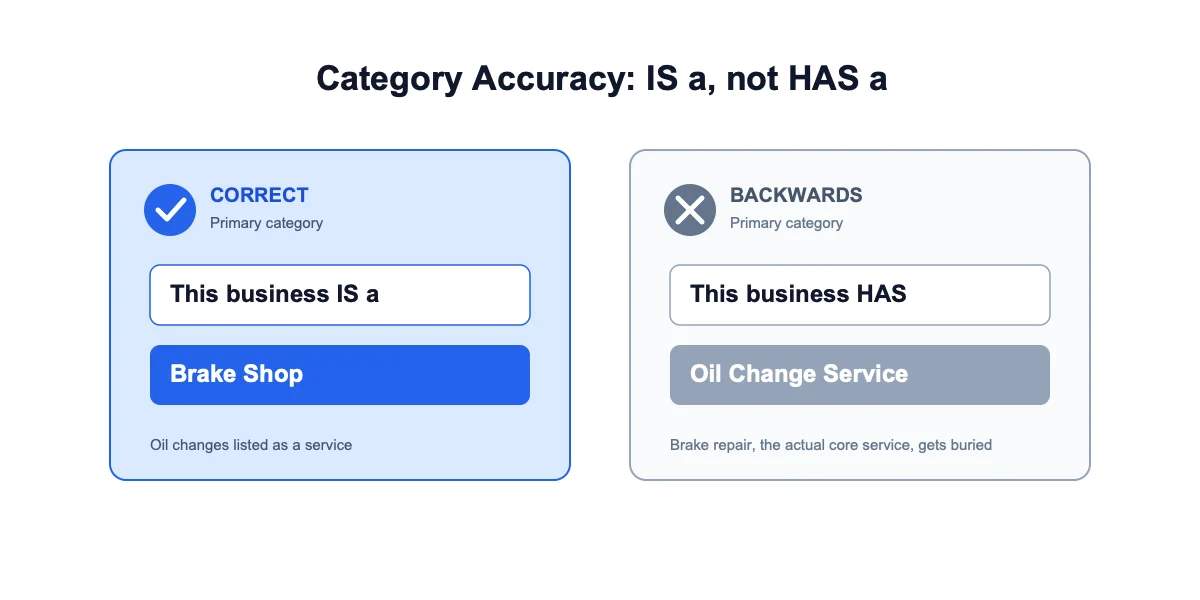
Your primary category carries more ranking weight than almost anything else on a Google Business Profile, more than most business owners expect. This is the single lever that separates real profile optimization from busywork. Google's own guidelines for representing your business are explicit: choose the category that completes "this business IS a," not "this business HAS a."
The Primary vs. Secondary Category Test
Ask what a customer would call the business first, not what it technically offers. A auto shop that mainly does brake repair but also handles oil changes should have "Brake Shop" as primary, with oil change services listed as a secondary category or an actual service, not swapped the other way around. Getting this backwards is one of the most common, and most fixable, category mistakes.
Why Category Padding Backfires
Adding every adjacent category "just in case" doesn't help. Google's category guidance specifically warns against picking categories as keywords rather than an accurate description of the business. A padded category list doesn't just look sloppy to a human scanning it, it can actively work against ranking for the searches that actually matter.
Elena runs a bakery in Sacramento that specializes in custom wedding cakes. Her profile had been set to the generic "Bakery" category since the day she claimed the listing in 2023. A quick check flagged it. Switching to "Wedding Bakery," the more specific and accurate primary category, took five minutes. It also unlocked a set of category-specific attributes she'd never seen before, like "custom orders" and "consultation available."
Profile Fundamentals and NAP Consistency
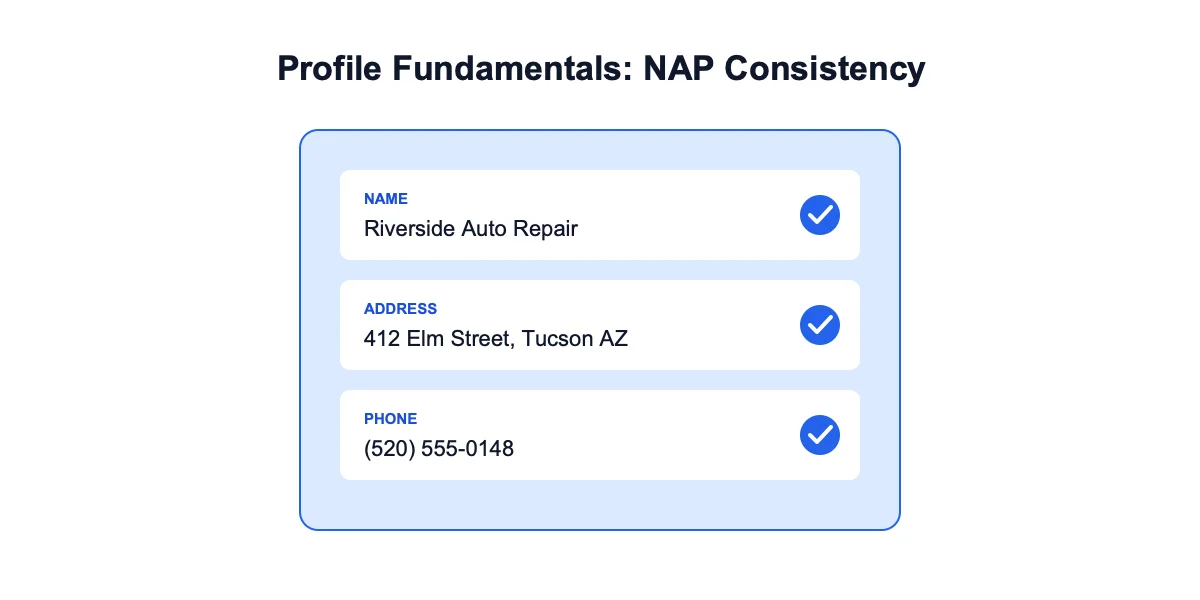
This is the section every generic google maps seo checklist already covers. It earns that attention. It's the fastest to fix, and it's the first thing both Google and a mobile searcher check.
What to Verify in Your Info Tab
Work through the dashboard's Info tab against this list:
- Business name matches real-world signage exactly, no appended keywords or city names
- Phone number is a working, local number, not a call-tracking number that rotates
- Address or service area is current, not an old location from before a move
- Hours reflect when the business is actually open, holiday hours included
- Description explains what the business does in plain language, no keyword stuffing
Why a Missing Phone Number Isn't a Minor Gap
A blank phone number field is one of the first things a mobile searcher taps, and one of the first things Google checks for completeness. If it's missing, add it under Info. It usually reflects within a few hours, sometimes up to a couple of days.
Check this automatically: the audit pulls your profile fundamentals live from Google's own data for your business, no manual comparison required, though working through the list above by hand takes about fifteen minutes if you'd rather do it yourself.
Reviews and Reputation Signals
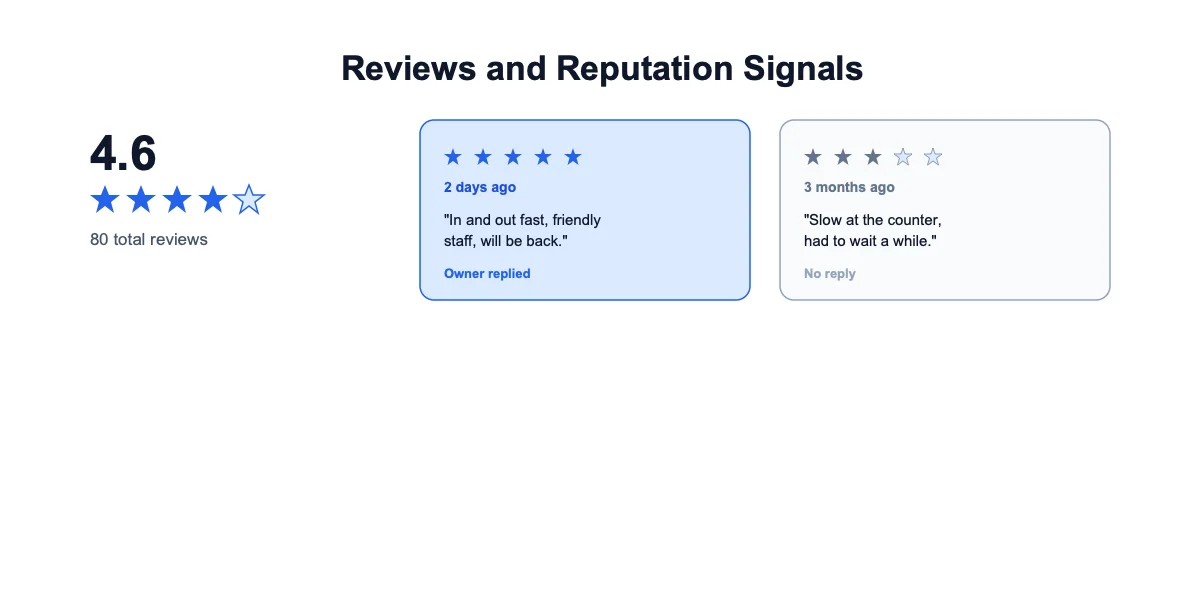
Review volume, recency, and response rate all factor into local ranking. A star average alone hides more than it reveals.
What Actually Moves the Needle
Google weighs recent reviews more heavily than old ones. A steady trickle of new reviews signals an active business more than a burst followed by silence. Response rate matters too. A business that replies to reviews, especially critical ones, reads as more engaged than one that never responds.
The Star Average Blind Spot
A 4.6-star average built on 80 reviews looks healthy at a glance. But Google's public API only surfaces the five most recent, relevance-sorted reviews, and if all five mention the same recurring issue, slow counter service, a booking mix-up, that pattern is invisible in the aggregate number. Checking the actual review text, not just the average, catches patterns a star rating alone won't show.
Photos and Trust Attributes
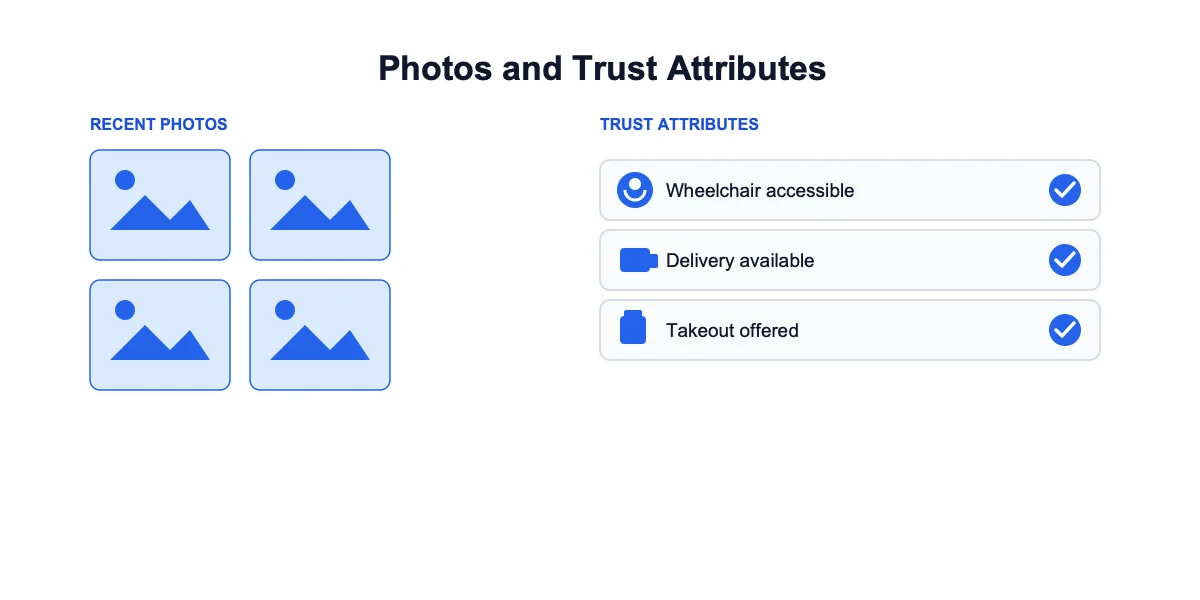
Photo recency and count matter less than most owners assume on their own, but they signal an active, maintained listing when paired with everything else.
Photo Count and Freshness
A profile with three photos from 2021 reads as neglected next to a competitor uploading new interior and product shots regularly. There's no magic number, but a business with zero recent photos is an easy, visible gap next to competitors who have any at all.
The Trust Attributes Almost Nobody Fills In
Wheelchair access, outdoor seating, delivery, takeout, and similar attributes are optional, which is exactly why most businesses skip them. Raj owns an auto repair shop in Tucson that genuinely offers free WiFi in the waiting area and appointment-only service, both true, both real differentiators, neither checked off on the profile because nothing forces a business owner to fill them in. A customer comparing two nearby shops on their phone sees one with those boxes confirmed and one blank, and the blank one reads as less certain, even when the underlying business has no actual gap.
Citations: Do You Show Up Consistently Elsewhere?
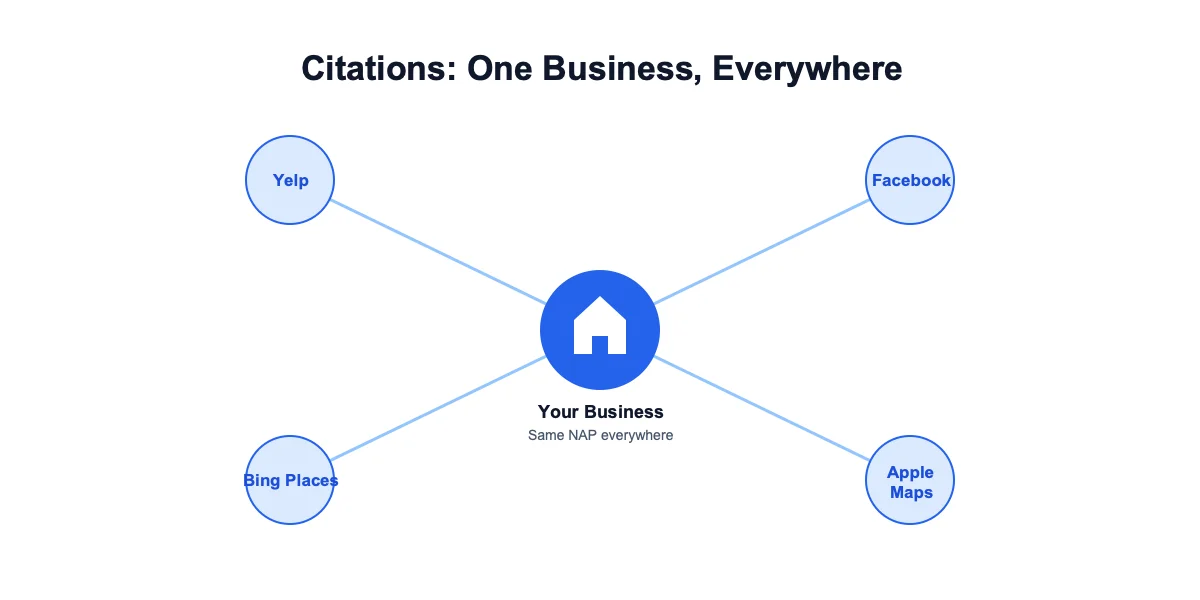
Citation presence, whether a business shows up on Yelp, Facebook, Bing Places, and similar directories, is a signal most owners never think to check, since it requires looking outside their own dashboard entirely.
Why This Gets Skipped
A generic SEO checklist focuses on the Google Business Profile itself. It has no reason to check whether a business's name, address, and phone number are even present on other directories, let alone consistent with them. That's a separate check most owners simply never run.
What a Mismatch Looks Like in Practice
A business that moved locations eighteen months ago might have an accurate Google listing but a Yelp profile still showing the old address, updated by whoever set it up years ago and never touched since. Google reads inconsistency across the web as a weaker trust signal than a business that shows up the same way everywhere.
Local Pack Ranking: The Google Business SEO Outcome Check
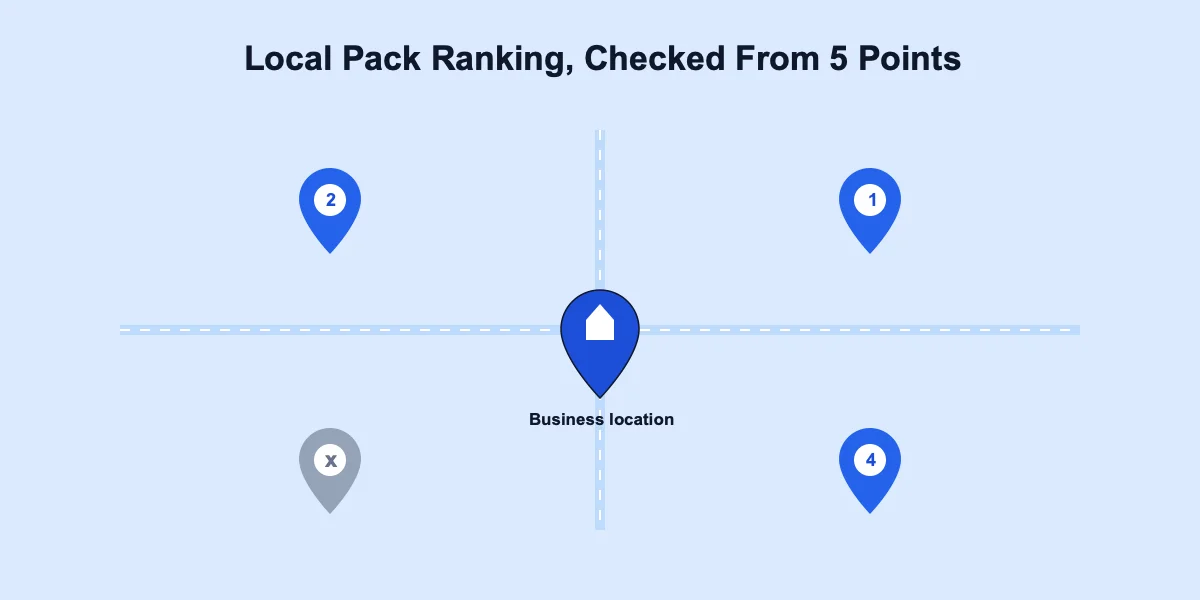
Everything above is a lever. Local pack ranking, whether a business actually shows up in the map results for a relevant nearby search, is the outcome those levers are supposed to move. This is where google maps seo and google business seo overlap almost completely: the map result and the local pack draw from the same underlying signals.
Why Ranking From Your Own Address Isn't Enough
Checking a listing's position by searching from the business's own address gives an incomplete picture. Local pack ranking shifts based on where a search physically originates. A business can look strong from its own desk and still drop out of the pack a few streets over, closer to where an unfamiliar searcher is more likely to actually be standing. Google's own guidance on how to improve your local ranking confirms proximity is one of three core ranking factors, alongside relevance and prominence, which is exactly why a single self-check rarely tells the full story.
Diane runs a single-location dental practice. Checking her own ranking from her office, she saw a strong position for "dentist near me." Then she checked from four points spread around her service area instead, closer to where a new patient searching from across town would actually be. She dropped out of the visible pack in two of the four. The gap wasn't in her profile's completeness. It was in local pack visibility that a single self-check from her own location could never have caught.
How to Rank on Google Maps From More Than One Point
To rank on Google Maps consistently, not just from a single address, a listing needs to hold its position across the surrounding area, not just at its own doorstep. That's the difference between a profile that looks strong on paper and one that actually wins the local pack for real searchers nearby.
Run the audit to see where a listing stands today, then use its local pack ranking check, checked from 5 points around the business rather than a single lookup, to see whether visibility holds up across the surrounding area or drops off nearby.
Common Mistakes That Quietly Cap Visibility
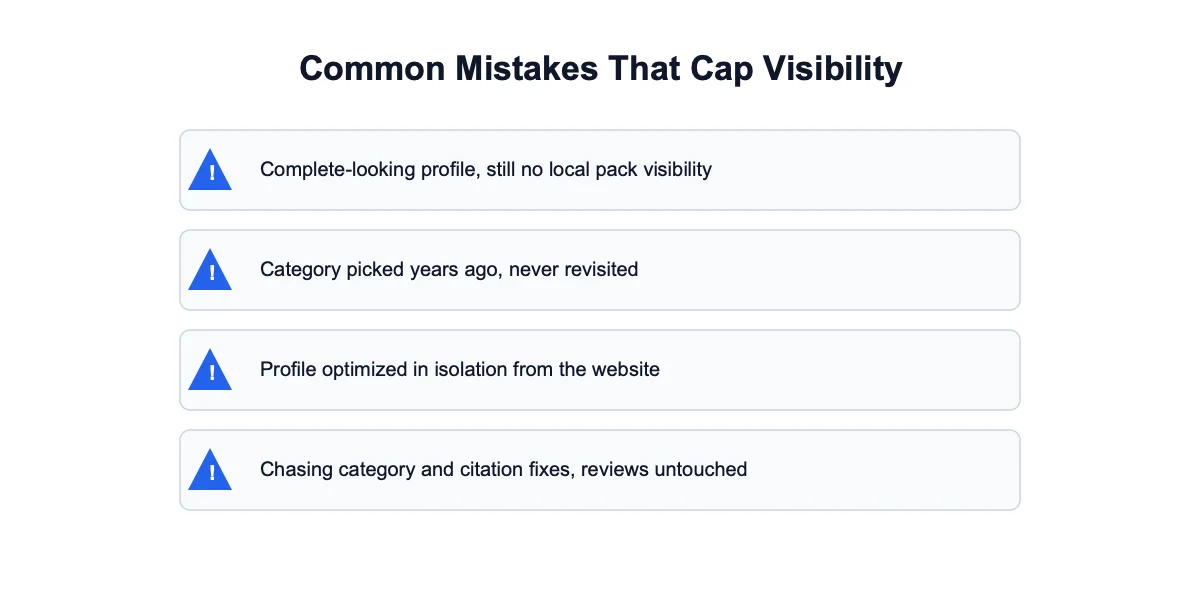
A few patterns show up repeatedly across real audits, and they're rarely the ones a business owner expects going in.
The Complete-Looking Profile That Still Doesn't Rank
Every field filled in, plenty of photos, and still no local pack visibility. The gap is almost always in one of the checks that doesn't show up from a glance at the dashboard: category accuracy, citation presence, or local pack visibility from more than one point.
The Category Set Once and Never Revisited
A business that picked a category years ago, back when the options or the business itself looked different, and never checked whether it's still the best match. Categories are worth revisiting periodically, not just at setup.
The Profile Optimized in Isolation From the Website
Google business SEO and website SEO are related but separate systems. A perfectly optimized Google Business Profile paired with a website whose NAP details don't match, or that has no local structured data at all, sends Google a mixed signal. A website audit checks the on-site half of the same picture, the part a profile audit structurally can't see.
Chasing Google Maps SEO Without Checking Reviews First
Some businesses pour effort into category and citation fixes while the reviews section sits untouched for months. Google maps seo isn't just about the profile's own fields, review recency and response rate carry real weight too. A category fix paired with a stagnant review count moves the needle less than fixing both at once.
Google Business SEO: Common Questions
What is Google business SEO?
Google business SEO is the practice of optimizing a Google Business Profile so it shows up more often, and higher, in local search results and the local pack. It covers category accuracy, review management, photo and attribute completeness, citation presence on other directories, and local pack ranking, not just filling in dashboard fields.
How do I optimize my Google Business Profile for SEO?
Start with the highest-impact lever, primary category accuracy, then work through profile fundamentals (name, phone, hours, address), reviews and response rate, photos and trust attributes, citation consistency across other directories, and finally check local pack ranking as the outcome measure. Fixing fields without checking whether the fix actually moved ranking leaves the loop open.
Does posting on Google Business Profile affect ranking?
Posts keep a profile looking active and can influence engagement, but they carry far less ranking weight than category accuracy, review patterns, or citation presence. Treat posting as a supplementary signal, not a substitute for getting the higher-impact fundamentals right first.
How long does it take to see ranking changes after optimizing a Google Business Profile?
Most field-level changes, like adding a phone number or fixing hours, reflect within a few hours to a couple of days. Ranking movement from category or citation fixes typically takes longer to show, days to a few weeks, since it depends on when Google next recrawls and re-evaluates the signals around a listing.
What's the difference between Google business SEO and website SEO?
Google business SEO optimizes the profile itself, the listing Google shows in Maps and the local pack. Website SEO optimizes the business's own site. They're related but separate systems Google reads independently, a business needs both aligned, matching NAP details and consistent signals, to get the full benefit of either.
Can I optimize a Google Business Profile without hiring an agency?
Yes. Every check covered here, category accuracy, profile fundamentals, reviews, photos, attributes, and citation presence, can be done directly in the Google Business Profile dashboard at no cost. The parts that take longest by hand, citation checking across directories and local pack ranking from multiple points, are exactly what the instant score handles automatically.
Get a Real Read on Where You Stand
The Levers, in One Place
Google business SEO isn't a single fix, it's a set of specific, checkable levers: category accuracy first, then profile fundamentals, reviews, photos and attributes, citation presence, and local pack ranking as the outcome that confirms everything else worked. A profile can look finished and still be missing the ones that actually move ranking. For the full section-by-section walkthrough, see our complete GBP audit checklist.
Check Your Own Listing Now
Check your Google Business Profile score to see an instant read on your own listing, then work through whichever section above matches the biggest gap it finds. No sign-in required, and it works the same whether it's your own listing or a competitor's you're sizing up.