
The Complete GBP Audit Checklist: Every Local Ranking Check
A Google Business Profile that looks finished and one that ranks aren't the same thing. You can fill in every field, upload a dozen photos, and still lose the local pack to a competitor with a thinner-looking listing. That gap is almost never about effort. It's about which checks you actually ran.
This is the checklist we'd run ourselves. It's the same categories our own Google Business Profile audit checks, laid out so you can work through it by hand in your own dashboard. Most guides stop at profile completeness: name, hours, photos, done. This one keeps going into three things most checklists skip. Do you show up on the other directories that matter? Do you actually rank nearby, not just when you search from your own desk? Does anything in your listing put you at risk of a policy flag before Google ever tells you?
Start with the fast section. Profile fundamentals take about fifteen minutes and catch the most common, easiest fixes. The rest takes longer. It covers what's actually hard to check without help, which is exactly why it gets skipped. Work through all eight sections in order: fundamentals, category, photos, reviews, trust and attributes, citations, local pack ranking, and policy risk. Do that, and you'll cover more ground than most published GBP checklists, including some that run several thousand words longer than this one.
Profile Fundamentals
This is the section every checklist covers, and for good reason. It's the fastest to fix and the first thing both Google and a mobile searcher check.
NAP Consistency: What to Check in Your Info Tab
Work through your dashboard's Info tab against this list:
- Business name matches your real-world signage exactly, no keywords or location names appended
- Phone number is a working, local number, not a call-tracking number that changes
- Address or service area is accurate and current
- Hours reflect when you're actually open, including holiday hours if they differ
- Website link points to the most relevant page for that location, not just your homepage
- Business description explains what you do in plain language, without keyword stuffing
Why the Phone Number Field Matters Most
A missing phone number isn't a minor gap. It's one of the first things a mobile searcher taps, and one of the first things Google checks for completeness. If it's blank, add it under Info. It usually reflects within a few hours, sometimes up to a couple of days.
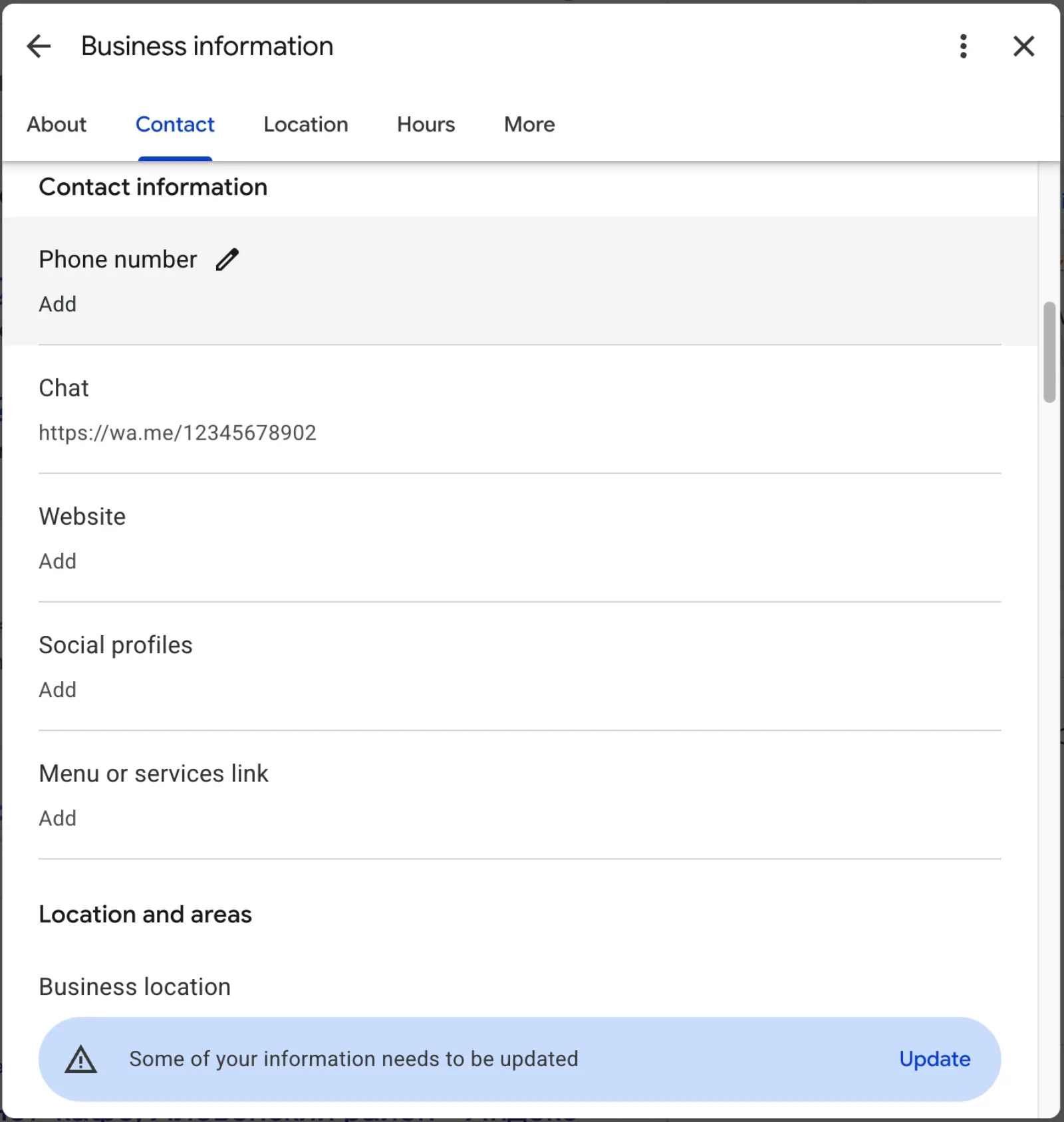
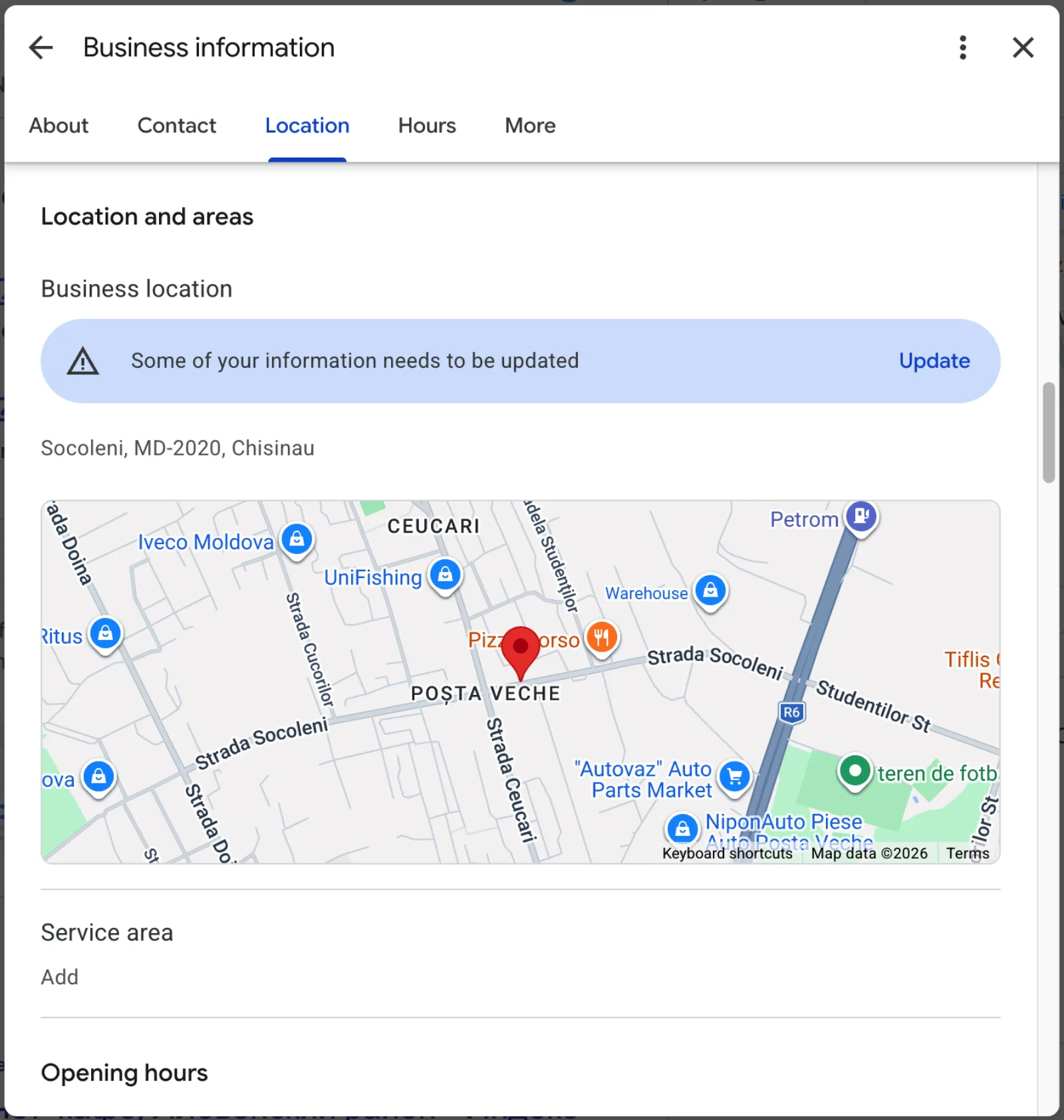
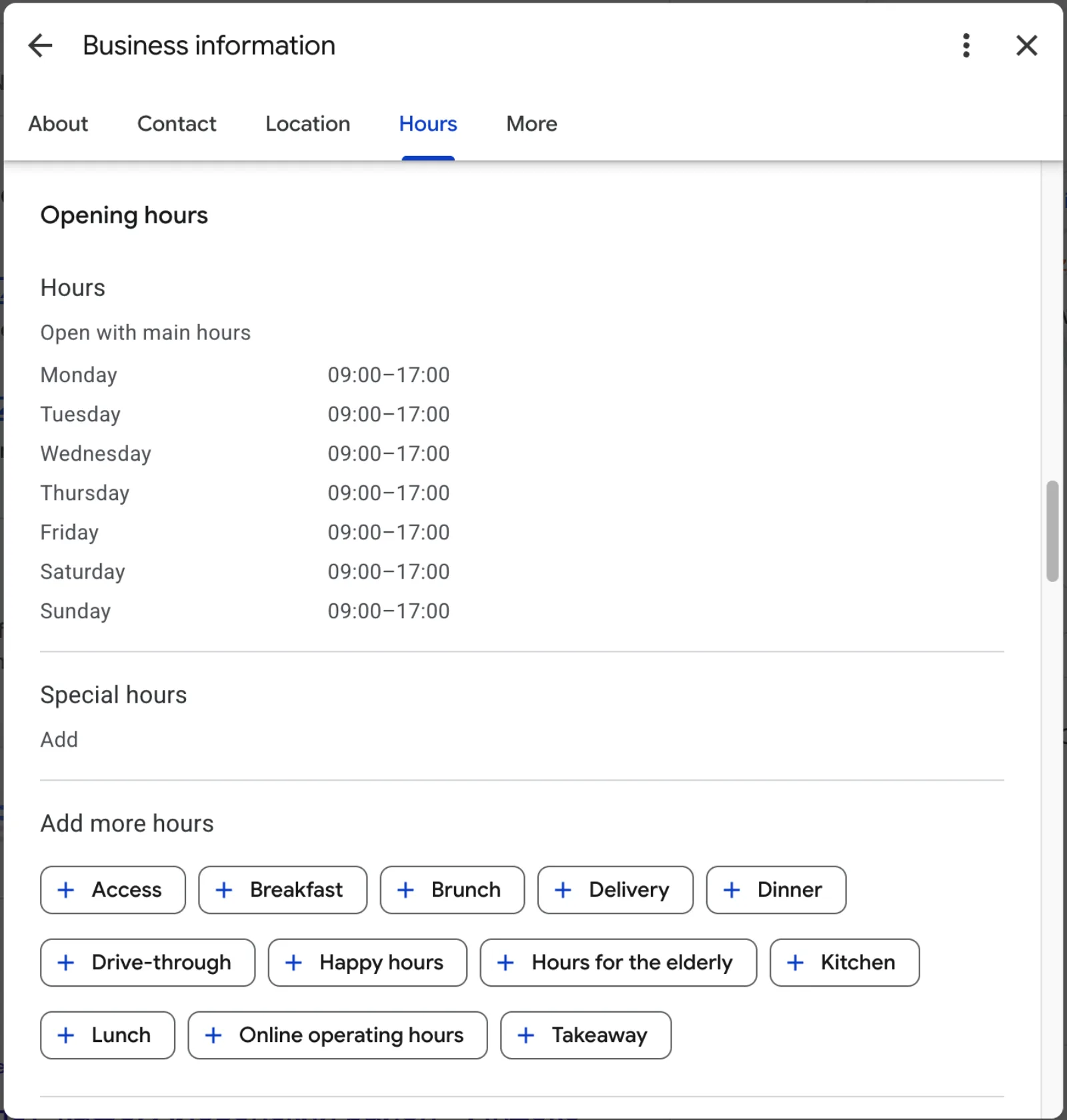
Run the audit to see this section checked automatically against live data from your listing. It won't fix a struggling profile by itself, but it's the fastest way to confirm the fundamentals are actually in place before you spend time on anything else.
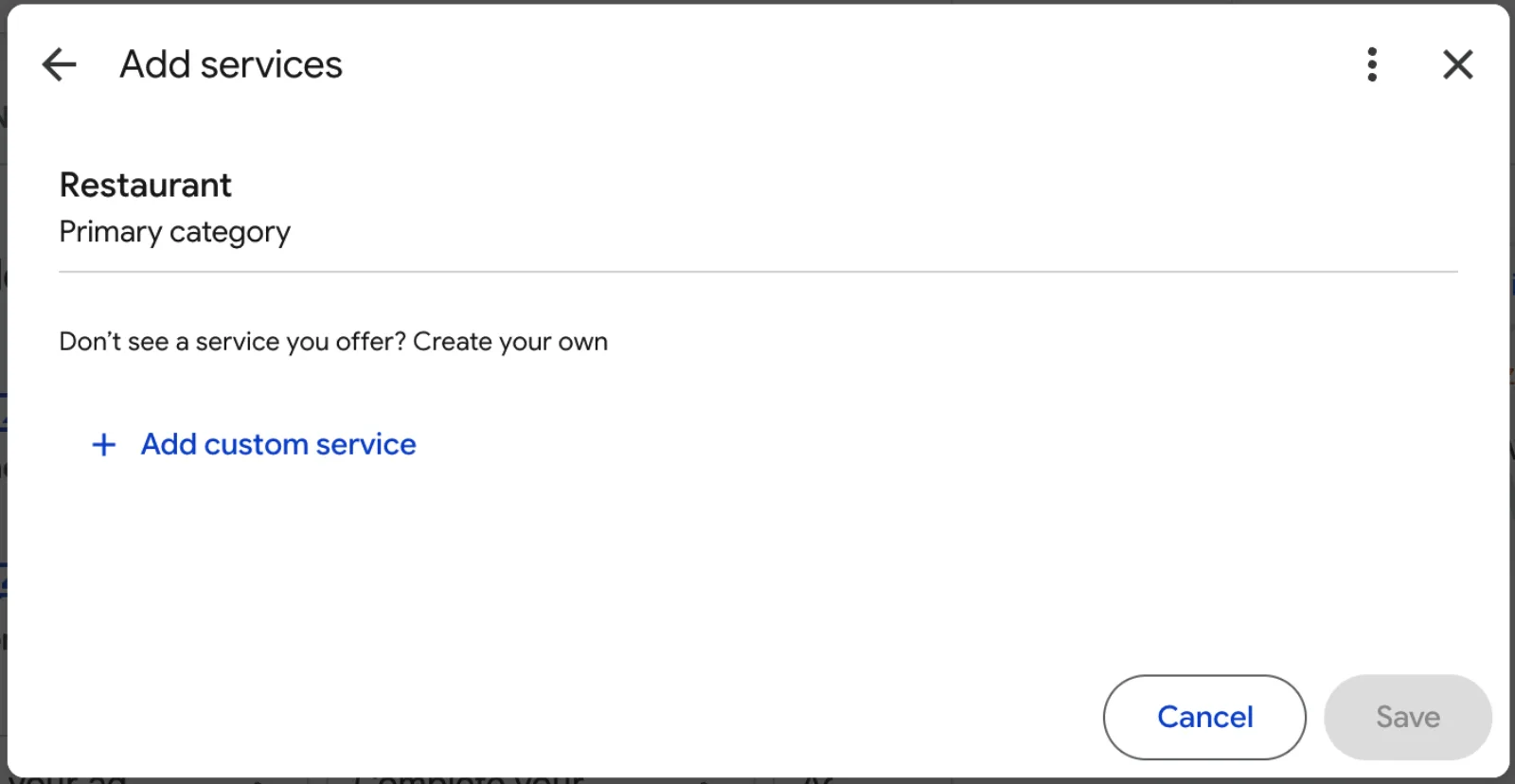
Category Accuracy
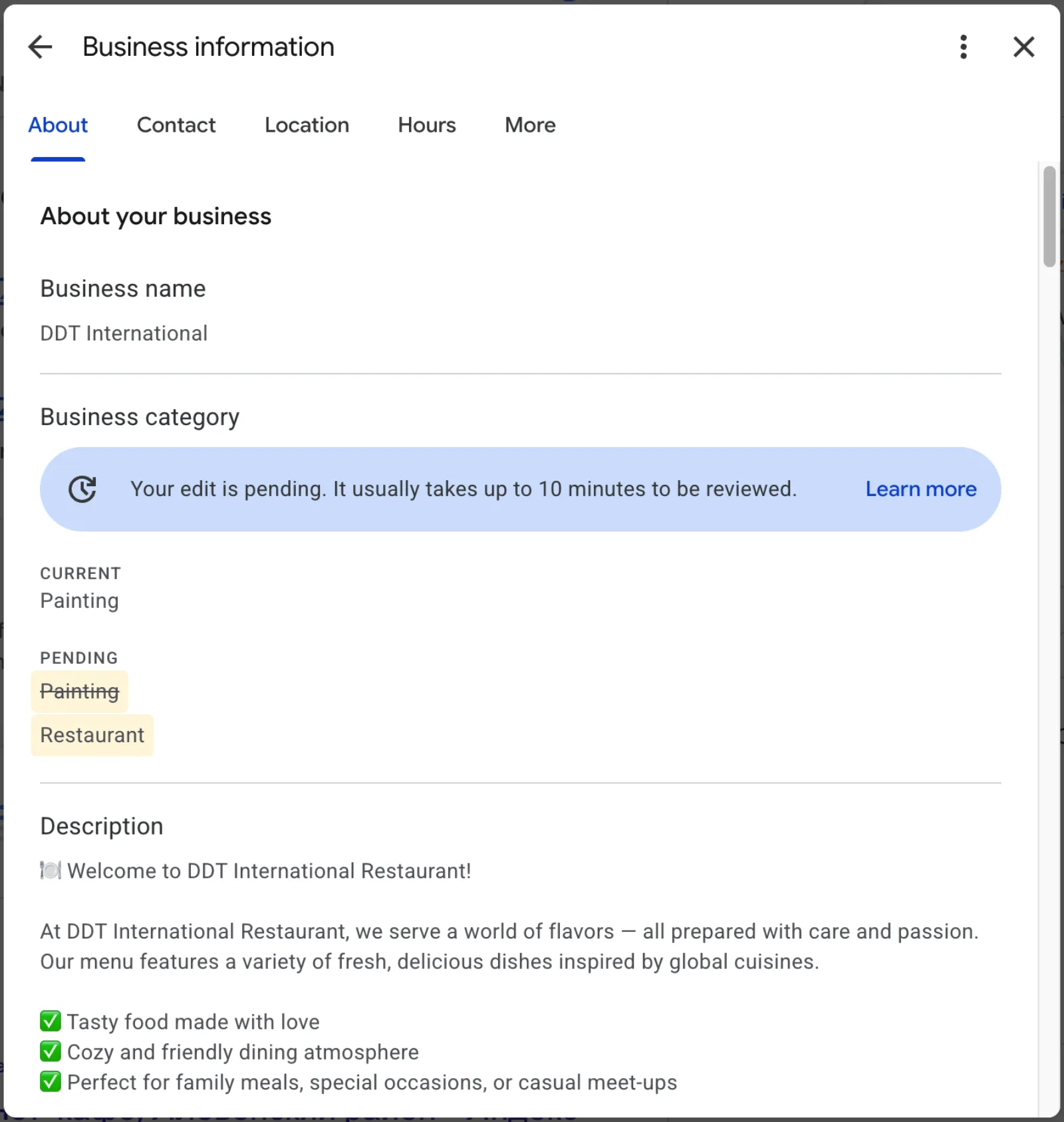
Your primary category carries more ranking weight than almost anything else on your profile, more than most business owners expect. Google's own category guidelines are explicit about this: choose the category that completes "this business IS a," not "this business HAS a."
The Three-Point Category Check
Check these three things:
- Primary category matches what you'd tell a customer you do first, not a broader or narrower term
- Secondary categories add real specificity without duplicating the primary category's meaning
- No category overlap with unrelated services just to appear in more searches
How Category Padding Backfires
A plumber who also does emergency water damage cleanup might be tempted to add every adjacent category available. Google's category management guidance specifically warns against choosing categories solely as keywords rather than an accurate description of the business. A mismatched or padded category list doesn't just look sloppy, it can actively work against your ranking for the searches that matter most.
Run the Competitor Comparison Check
There's also a consistency check worth running: search your own primary category, not your business name, and see which of your direct competitors show up first. If a business with a noticeably thinner profile consistently outranks you, category mismatch is one of the first things worth ruling out, before assuming the problem is reviews or photos instead.
Photos & Media
Photo count matters less than photo relevance, but a listing with too few photos still signals inactivity to both Google and searchers.
The Photo Checklist
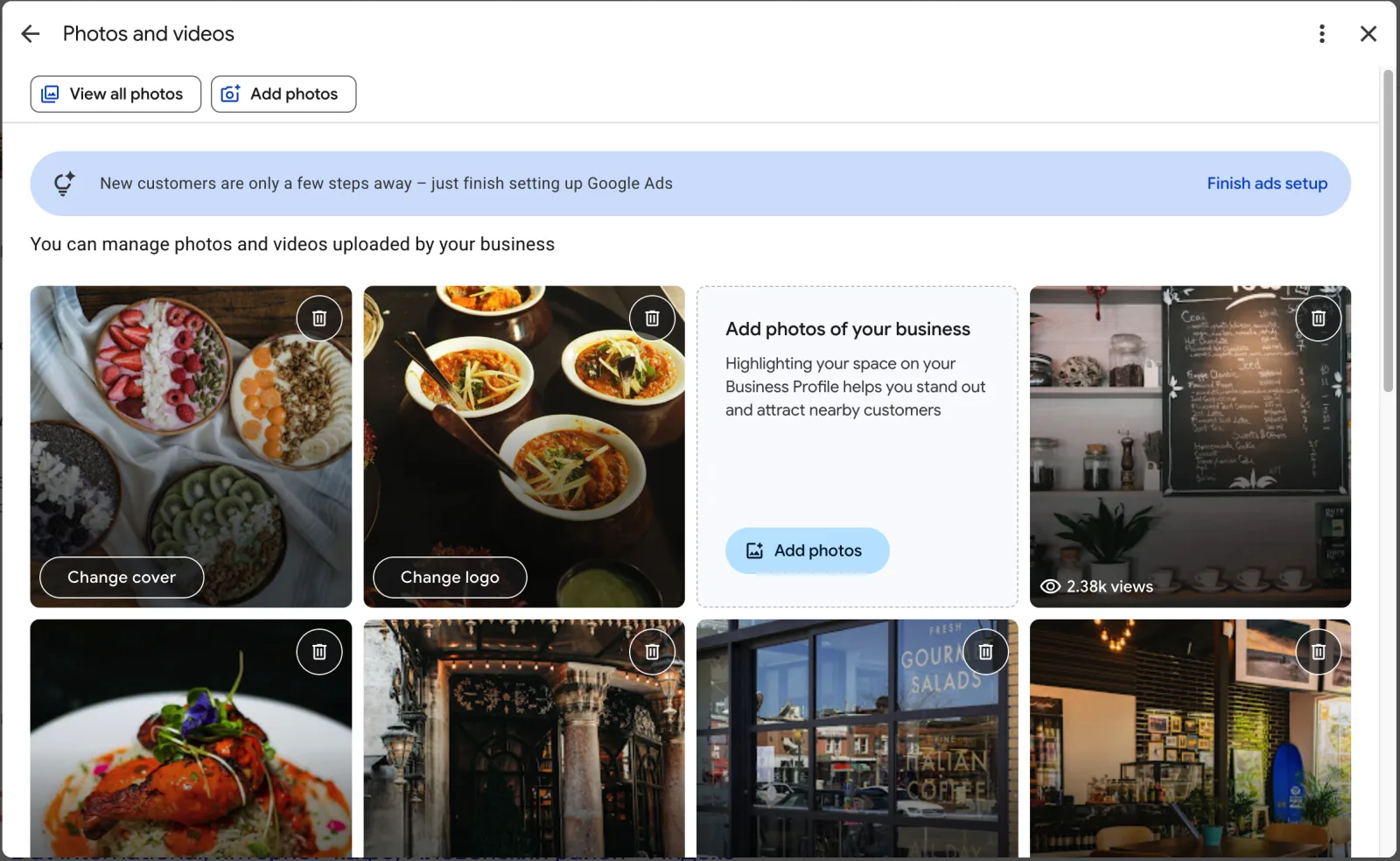
- At least 10 photos covering your storefront (or work vehicle for service-area businesses), team, and completed work
- At least one recent photo, not just launch-day images from years ago
- A logo and cover photo set, since these are what show up first in search results
Why Recent Photos Matter More Than Photo Count
A bakery with fresh, recent interior and product photos reads as active and trustworthy at a glance. A listing with three photos from opening day, even if everything else is filled in, reads as neglected. This is a genuinely quick fix: most phone cameras produce photos good enough for a Google Business Profile listing.
Reviews & Reputation
This section is where checklists tend to get vague, because reviews are harder to audit than a static field. Break it into what you can actually verify:
What You Can Actually Verify
- Average rating and whether it's trending up or down over your last 10-20 reviews
- Review volume relative to nearby competitors in your category
- Review recency, a 4.8 rating built entirely on reviews from two years ago reads differently than one with reviews from last month
- Response rate, whether you're replying to reviews, especially negative ones
The Honest Limit: Google's Five-Review Cap
Here's an honest limit worth naming upfront: Google's public API caps visible review data at five relevance-sorted reviews and doesn't expose whether you've replied to a review or whether one's been flagged. That's true for our own audit tool too, not just manual checking. Seeing your full review history and reply status requires signing into your own GBP dashboard directly, since that data only lives behind the business owner's own login, not the public API. It's a real gap, not a hidden one.
Reading Patterns Instead of Just the Star Average
What you can check without logging into anything: pull up your public listing and read through what's actually there. Look for patterns. If three recent reviews mention slow response times and you hadn't noticed that before, that's more useful than the star average alone.
Take a dentist's office with a solid 4.6 average built on 80 reviews. That number alone looks healthy. But if the five most recent reviews, the only ones the public API surfaces, all mention long wait times, that's a live pattern a static star rating hides. The average is backward-looking. The five most recent reviews are closer to what a searcher scrolling your listing today actually sees.
Trust & Attributes
This is the section most business owners forget entirely, because none of it is required to publish a listing.
What to Fill In
- Business status confirmed active, not accidentally marked temporarily closed
- Price level set, since an unset price range can quietly filter you out of price-based searches
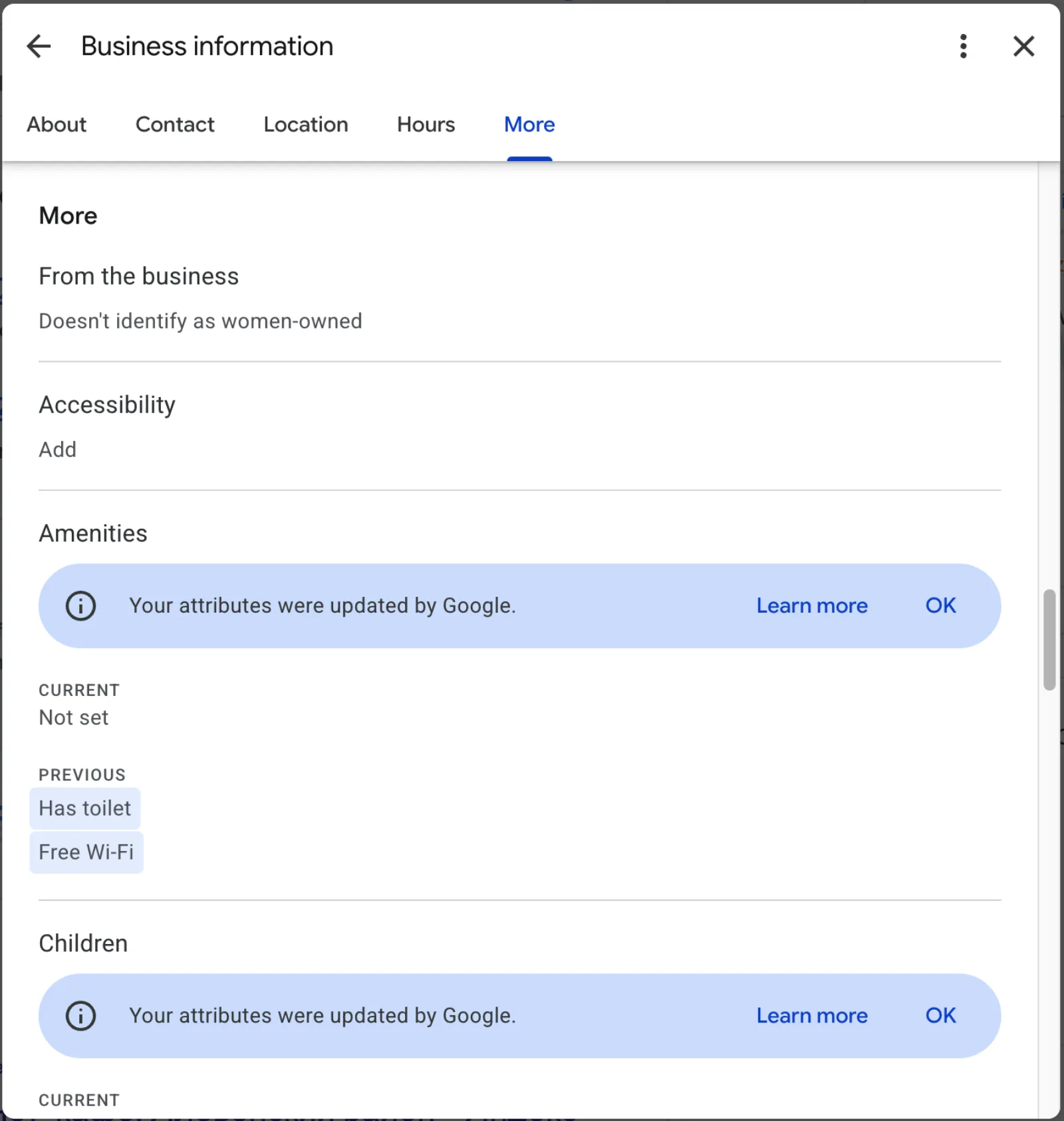
- Attributes filled in: wheelchair accessibility, parking type, delivery, takeout, and whichever of the roughly ten attributes actually apply to your business
A dentist's office and a coffee shop should have almost none of the same attributes checked, and that's the point, attributes only help when they're accurate. Leaving them all blank isn't neutral. It's a gap Google can see, and a gap a customer comparing you to a competitor with a fuller profile will notice too.
Why Blank Attributes Aren't Neutral
Take a bakery deciding between two nearby coffee shops for a morning stop. One profile shows wheelchair access, outdoor seating, and takeout confirmed. The other has all three fields blank, not because the business lacks them, just because nobody filled them in. Attributes don't get equal weight to reviews or category, but they're the fastest section on this whole checklist to fix, most take under a minute each, and every blank one is a small, avoidable gap.
Citations & Directory Presence
Most GBP checklists stop before this point entirely. It's worth including because it answers a question profile completeness alone can't: does your business show up consistently anywhere besides Google?
Business Citation Sites to Check
Check your presence on:
- Yelp
- Bing Places
- Foursquare
One important distinction here, since it's easy to overstate: this is a presence check, whether a listing for your business appears to exist on each platform, not a verified match of your exact name, address, and phone (often called NAP consistency in local SEO) across all of them. Confirming that every field matches exactly on every directory requires checking each one directly. A presence gap is still worth knowing about. If a customer searches your business name and finds nothing on Yelp while your competitor has forty reviews there, that's a real gap in your footprint, even before you get into whether the details match perfectly.
This is one of the three checks most competing checklists skip entirely, which is worth knowing if you've read other guides and felt like something was missing.
Why Silent Drift Is the Real Risk
It's worth checking even if you're confident your listings are consistent, because the failure mode here is usually silence, not an error message. A directory listing doesn't send you a notification when it goes stale or duplicate. A plumber who moved locations two years ago might have a fully updated Google Business Profile and a Yelp listing still showing the old address, quietly steering a share of searchers to the wrong place. The fix, once you know about it, is usually a five-minute claim-and-update on the directory in question. Finding out you need to is the actual bottleneck.
Local Pack Ranking
This is the check that answers the question business owners actually care about, not "is my profile complete" but "do I show up when someone nearby searches for what I do." It's also the hardest one to check by hand.
Why Checking From Your Own Desk Doesn't Work
Here's why: searching your own business name from your own phone at your own desk doesn't tell you much. Local results shift based on the searcher's location. A search from two streets away can return a completely different local pack than a search from your own address.
A real check means searching your category, not your business name, from multiple points around your service area, not just one. If you're a plumber covering a 10-mile radius, your visibility three miles out matters as much as your visibility at your own address, arguably more, since that's where most of your unfamiliar searchers actually are.
The Four-Streets-Over Test
Picture two searches for "plumber near me." One is from a phone sitting at the business's own address. One is from a house four streets over. The local pack often looks completely different between those two searches. The business might be visible at one point and absent at the other. Checking only from your own address tells you nothing about the second search, and the second search is closer to how most of your actual customers are searching.
Why This Is the Hardest Check to Do by Hand
This is the section where doing it manually gets genuinely impractical. Checking from five points around your business, tracking your position at each one, then comparing against the two or three competitors who keep beating you locally, isn't a fifteen-minute task. That's why most checklists skip it. Our audit checks exactly this: your ranking from your own coordinates, plus four points roughly a mile and a half out. You can see whether visibility holds up across your actual service area, or drops off a few streets from your front door.
Once you know where you actually stand, the fix work is a separate step. See how to rank in Google Local Pack for the category, proximity, and review fixes that tend to move this specific check.
Policy & Suspension Risk: Avoiding a Google Business Profile Policy Violation
This is the third check most GBP checklists either skip or bury in an FAQ instead of covering directly. It deserves its own section, because a suspended listing doesn't just rank worse, it disappears entirely.
The Two Most Common Triggers
Google's Business Profile policies cover what's and isn't allowed in your name and description fields specifically. Two of the most common, avoidable triggers:
- Keyword stuffing in your business name, adding your city or service into your name field beyond your actual legal or DBA name
- Disallowed claims in your description, superlative or unverifiable claims that read more like an ad than a business description
Neither of these requires bad intent. A business owner adding "Best Plumber in [City]" to their name field is trying to help their ranking, not violate a policy, but it's exactly the kind of edit that can trigger a review. Checking your own name and description against Google's actual guidelines before you notice a problem is worth the ten minutes it takes, since catching it yourself beats an unexplained suspension notice.
Why a Suspension Costs More Than It Looks Like
A suspension doesn't come with much warning, and reinstatement isn't instant. A listing that disappears for even a few days during a busy season is a real cost, one that's entirely avoidable by reading your own name and description fields with a skeptical eye before Google's automated review does it for you. This is the same reason it's worth checking even for businesses that have run the same listing for years without issue: policy enforcement changes over time, and a description written five years ago against an older set of guidelines isn't guaranteed to be fine under today's.
Quick Reference: The Full GBP Audit Checklist
| Section | What It Catches | Manual Check Time |
|---|---|---|
| Profile Fundamentals | Missing or wrong name, phone, hours, address, description | ~5 min |
| Category Accuracy | Wrong or padded primary/secondary categories | ~5 min |
| Photos & Media | Too few or outdated photos | ~2 min |
| Reviews & Reputation | Rating trend, volume, recency, response rate | ~5 min |
| Trust & Attributes | Unset price level, missing attributes | ~2 min |
| Citations & Directory Presence | Missing or stale listings on Yelp, Facebook, Bing Places, Foursquare | ~15 min, four separate sites |
| Local Pack Ranking | Whether you actually rank nearby, not just at your own address | Hard to check by hand, needs multiple search points |
| Policy & Suspension Risk | Keyword-stuffed names, disallowed description claims | ~10 min |
The audit checks your fundamentals, category, and review basics automatically, no account required. It also covers citations, local pack ranking, and policy risk, the three hardest rows to approximate by hand, all for a one-time $4.99.
GBP Audit Checklist: Common Questions
What is a Google Business Profile audit?
A Google Business Profile audit is a systematic review of every part of your listing that affects whether it shows up and how it performs in local search, covering profile completeness, category accuracy, reviews, photos, trust attributes, citation presence on other directories, local pack ranking, and policy compliance. It's different from just glancing at your dashboard, since most of these checks compare your listing against nearby competitors or Google's own published guidelines.
What is an SEO checklist?
An SEO checklist is a structured list of specific things to verify, rather than a vague list of tips, so you can confirm what's actually in place instead of guessing. For a local business, the version that matters most is a Google Business Profile audit checklist like this one, since GBP is usually the single biggest lever for showing up in local search results, more than general on-site SEO, for most businesses with a physical location or service area.
What should be included in an audit checklist?
A complete Google Business Profile audit checklist covers eight areas: profile fundamentals (name, phone, hours, address, description), category accuracy, photos, reviews and reputation, trust and attributes, citation presence on other directories, local pack ranking, and policy or suspension risk. Most published checklists stop at the first five and treat the rest as optional, or bury them in an FAQ instead of the main checklist. The last three are the ones that actually determine whether you rank, not just whether your profile looks finished.
What does a Google Business Profile audit check?
Mechanically, it checks whether your profile's fields are accurate and complete, whether your reviews and photos are current, whether your business shows up consistently on other directories like Yelp and Facebook, whether you actually rank in the local pack from multiple points around your service area, and whether anything in your name or description risks a policy flag. The fundamentals are easy to check yourself in your own dashboard. Local pack ranking and citation presence are harder, since they require looking from outside your own dashboard, from other points in your service area or other directories entirely.
How do you audit your Google Business Profile?
Work through it in order. Start with profile fundamentals, name, phone, hours, address, and description, since those are the fastest fixes and the ones most likely to be wrong. From there, check category accuracy, photo count and recency, review patterns, and the trust attributes most businesses leave blank. The last three, citation presence on other directories, local pack ranking from multiple points, and policy risk in your name and description fields, are the ones most guides skip, and the hardest to check by hand. Run the free instant score to get the first few sections checked automatically, then work through the rest using the checklist above.
How do I know if my GBP is optimized?
A profile can look optimized (every field filled in, plenty of photos) and still miss the checks that actually affect ranking, especially category accuracy, local pack visibility, and citation presence. The only way to know for sure is to check each section against what Google's own guidelines call for, not just whether the field has something typed into it.
Is there a free way to check my Google Business Profile?
Yes. The fundamentals, category, and reputation sections above can all be checked manually in about fifteen minutes using your own dashboard and public listing. Our audit runs all of this automatically for a one-time $4.99, with no account required.
Do I need to sign in to Google to audit my listing?
No, and that's true whether you're checking your own listing by hand or using a tool. Everything in this checklist, including our own audit, works from publicly available data. That's also why review replies and full review history aren't checkable this way, that data only lives behind the business owner's own dashboard login.
How do you manage a Google Business Profile?
Ongoing management means treating the checklist above as a recurring task, not a one-time setup. Photos and hours need periodic updates, reviews need responses, and attributes or categories can drift out of date as your business changes. Most of what's in this checklist takes a few minutes to verify each time you run it. Running a free instant score every few months is a fast way to catch drift before it affects your ranking.
How do you improve Google Business Profile ranking?
Category accuracy is one of the strongest levers most businesses overlook, followed by review volume and recency, and consistent citation presence on other directories. Photos and attributes matter less on their own, but they signal an active, maintained listing. There's no single fix that moves ranking overnight. Working through this checklist in order, fundamentals and category first, then reviews and citations, then local pack ranking as the outcome check, is the most reliable way to find out what's actually holding your listing back.
Turning the GBP Audit Checklist Into Five Minutes Instead of Sixty
What's Worth Doing by Hand
Working through all eight sections above by hand, fundamentals, category, photos, reviews, attributes, citations, ranking, and policy, takes most business owners somewhere between thirty minutes and an hour, longer if you're checking citations across four separate directories or trying to approximate a local pack check by searching from your phone while walking around the block.
The fundamentals section is worth doing by hand regardless, it's fast, and there's real value in seeing your own dashboard directly. The three sections most checklists skip, citations, local pack ranking, and policy risk, are exactly the ones where a tool actually saves meaningful time, since they require pulling data a single glance at your dashboard can't give you. For more on why these three specifically get skipped, see what a Google Business Profile audit typically finds.
What to Run Automatically Instead
You can run the audit right now to get the fundamentals, category, and reputation checks for a one-time $4.99, no account required. It also covers the full picture, including citation presence across four directories, local pack ranking from five points around your business, and the policy risk scan, and it works the same whether you're checking your own listing or a nearby competitor's. This Google Business Profile audit will help you see exactly which of these gaps applies to your listing and resolve it, instead of guessing.
A complete profile and a ranking one aren't the same thing, but now you know exactly where the gap usually is.