
Why Your Business Isn't Showing Up on Google Maps (and How to Fix It)
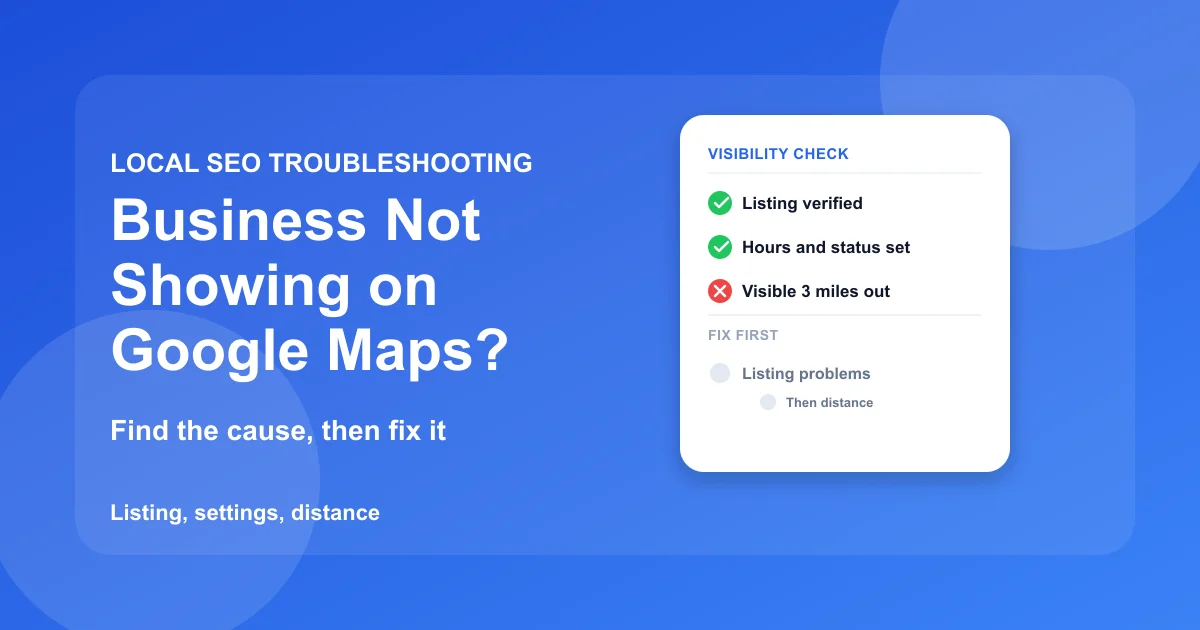
When a business isn't showing up on Google Maps, the cause is almost always one of three things: the listing isn't live (unverified, suspended, or duplicated), a setting is filtering it out (category, hours, or service area), or it is live but too far from the searcher to rank. So the answer to "why is my business not showing up on Google Maps" depends on what you see when you search for yourself.
Run two searches, note the result, and follow the matching branch below. Skip the branches that don't apply to you. Most owners only need one.
Jump to your result:
- Nothing comes up when you search your name
- It appears by name but not for your service
- It shows near you and vanishes a few miles out
- Quick answers
- Quick reference
Start here: two searches, three outcomes
This takes two minutes and saves you from fixing the wrong thing.
Search your business name on Maps
Open Google Maps in a private window so your signed-in history stays out of it. Type the business name exactly as it appears on the profile, then the city. A "Claim this business" prompt means the listing exists but isn't verified to you yet. Nothing at all is the "Google Maps not showing my business" case.
Search your category from two spots
Type the service a customer would search, such as "plumber" or "dentist." Run it once near the business and once a few miles away. Results shift with device, location, and history, so one check is a reading, not a verdict.
Your two-minute test
Branch A: Nothing comes up when you search your name
The profile isn't reaching Google Maps at all. Ranking work is pointless until this is fixed.
Branch A at a glance
- Get verified or Pending in the profile manager
- A suspension warning banner
- A second profile at your address
- Finish or redo verification
- Appeal through the reinstatement form
- Claim or report the duplicate
Verification never finished
Google requires verification before a new profile's details show publicly. The method depends on the business, and Google now often asks for a short video showing the location, signage, and proof that you operate there. Abandoned attempts and videos that don't show enough are the usual failures.
Finish the process. If an attempt was rejected, read the reason before you resubmit so the second try doesn't fail the same way.
The profile is suspended
The usual triggers are a business name that doesn't match the real-world name, an address that isn't a real staffed location, an ineligible category, or edits that break Google's guidelines. The listing disappears from Maps and Search.
File an appeal through Google's reinstatement form with proof the business is real and operates where the profile says. Don't create a second listing to get around it. That usually creates a duplicate and can make the suspension harder to resolve.
A duplicate is hiding the real one
Duplicates appear after a move, a rebrand, or a previous owner's setup. Google can filter one of two near-identical listings out of results, and it isn't always the one you'd choose. Search your address or phone number on Maps to find the second profile.
Claim the extra profile or report it as a duplicate through its edit options. Keep exactly one live profile per real location.
Branch B: It appears by name but not for your service
The listing is live, so something is stopping it from matching the searches you want.
Branch B at a glance
- A general category while rivals use a specific one
- Missing hours, or a closed status you forgot to clear
- A change that never appeared
- Switch to the most specific category
- Set full hours and mark the business open
- Wait a few days, then check pending edits
The primary category is too broad
The primary category is the strongest relevance signal on the profile. Google matches the search to categories first and ranks within that group, so a vague category such as "Contractor" loses to "Roofing contractor" when someone searches for a roofer.
Choose the most specific category for the service that earns the most. Add secondary categories for the rest, but don't fill every slot with loose matches.
Hours or status work against you
Missing hours, wrong hours, or "Temporarily closed" left on after you reopened can all hurt. Searches that include "open now," or that run while the profile reads as closed, can leave the business out entirely.
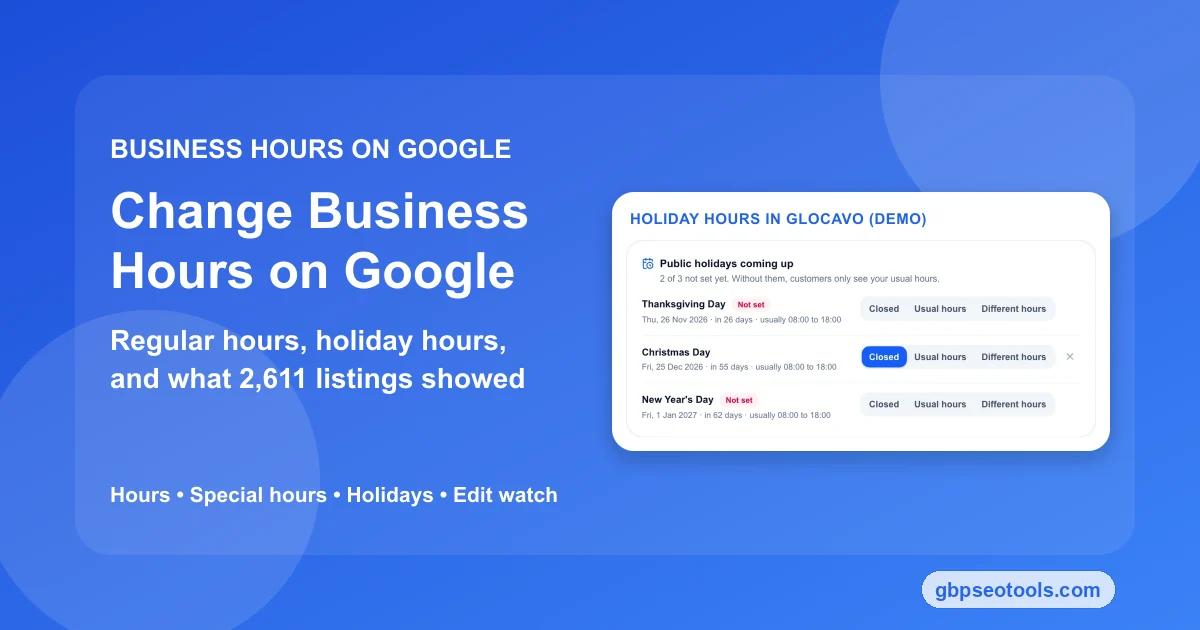
Update your business hours on Google, include holiday hours, and confirm the status reads as open.
Service areas and pending edits
A profile with no service areas gives Google little to match against searches from outside the home city. Separately, name, address, and category edits can sit in review before going live, and keyword-stuffed name edits are a common reason for rejection.
Add the cities you genuinely serve, and keep the list realistic, because fifty towns for a two-person crew invites a guideline problem. For pending edits, wait a few days rather than resubmitting.
Branch C: It shows near you and vanishes a few miles out
This is the case owners misread most often. The profile is verified, complete, and well categorized, and customers in part of your area still can't find it.
Branch C at a glance
- Top results at your office, nothing three miles out
- Customers in one neighborhood never find you
- Scan your whole service area, not one point
- Earn reviews and pages for the weak areas
- Re-scan in four to six weeks
Distance decides who wins
Google names three factors for local results: distance, relevance, and prominence. Distance is measured from the searcher, not from you. A business can rank second for a customer next door and not appear for one three miles away.
Searching from your own office is the most flattering check you can run. The customers you're missing are standing somewhere else.
Read the whole map, not one point
A grid scan runs the same keyword from many points across your service area, from 9 on a 3×3 grid up to 169 on a 13×13, and records where the business ranks at each. You get a heatmap with the headline numbers: average position, grid visibility (the share of points where the business ranks in the top 20), and how many points put it in the local pack, the three listings at the top of the map results.
Glocavo, our Google Maps rank tracker, runs a grid scan of your service area for any business already published on Google Maps. A scan is a snapshot of one moment, not a trend, and it can't track a listing that isn't live, which is why Branch A comes first.
Shrink the red areas
A weak corner isn't a setting you can toggle. It responds to slower work: reviews that mention the neighborhood by name, a service-area page that names it, and a profile complete enough to compete when you aren't the closest option.
Re-scan in four to six weeks. For the full sequence, follow the full local pack ranking steps.
Why Is My Business Not Showing Up on Google Maps: Common Questions
Why does my business show for some searches but not others?
Google ranks by relevance, distance, and prominence for each search separately. A business can match "emergency plumber" well and "plumber" poorly if its category and reviews lean one way, and it can win near the office and disappear farther out.
Why is my business not showing in Google search when it appears on Maps?
Maps and Search draw on the same profile but don't always show it in the same places. A newly verified or recently edited profile can take a while to settle across both, and a profile can appear on a brand-name search long before it appears on a category search.
Can a business show up on Google Maps without a physical address?
Yes, if it's a service-area business. It can hide the street address and list the areas it serves instead. It still has to be a real business that meets Google's eligibility rules, and a virtual office or a mailbox doesn't qualify as a location.
How do I verify my business on Google?
To verify a business on Google, sign in to the account that owns the profile and open the verification prompt in the profile manager. Google offers the methods that apply to your business, which can include a video, a phone or text code, an email, or a postcard. Follow the prompts to the end, since an abandoned attempt leaves the profile unverified. Our full verification guide covers each method, its timeline, and what to do when it fails.
How do I make my business show up on Google Maps?
Create a Google Business Profile with the exact real-world business name, an accurate address or service area, and the most specific primary category, then complete verification. Getting listed is only the first step. To make your business show up on Google Maps for real searches, work through Branches B and C above.
Quick reference
Symptom to first fix
| What you see | Likely cause | First fix |
|---|---|---|
| Nothing appears for your name | Not verified, suspended, or never published | Check profile status, finish verification or appeal |
| Two profiles for one location | Duplicate | Claim or report the extra one |
| Appears by name, not by service | Category | Compare your primary category with the top three results |
| Missing from "open now" searches | Hours or status | Correct hours, reopen the status |
| A change isn't showing | Edit in review | Wait a few days before resubmitting |
| Shows near you, gone farther out | Distance | Run a grid scan, target the weak areas |
How long to wait before checking again
Verification and edit reviews usually resolve in days, though timing varies. Ranking changes take weeks, because Google has to re-evaluate the signals around the listing. Change one thing at a time so you know which change moved the result.
Fix a dead listing before you fix a weak one. Everything else waits until the profile is live.